
07 Apr, 2022
Posted on 07 Apr, 2022 by Admin, Posted in Dynamics 365 Web Api Dynamics 365
 Blogs
Blogs
Create Notes record with Attachment for Contact Entity
var note = {};

note.subject = "Notes Subject";

note.notetext = "Notes Text";

note.filename = "FileName.txt";

note.documentbody = "Base64String";

note["objectid_contact@odata.bind"] = "/contacts(00000000-0000-0000-000000000000)";

Xrm.WebApi.createRecord("annotation", note).then(

function success(result) {

alert("Success");

},

function(error) {

alert(error.message);

});
Note:-
for e.g. objectid_account@odata.bind
Comment
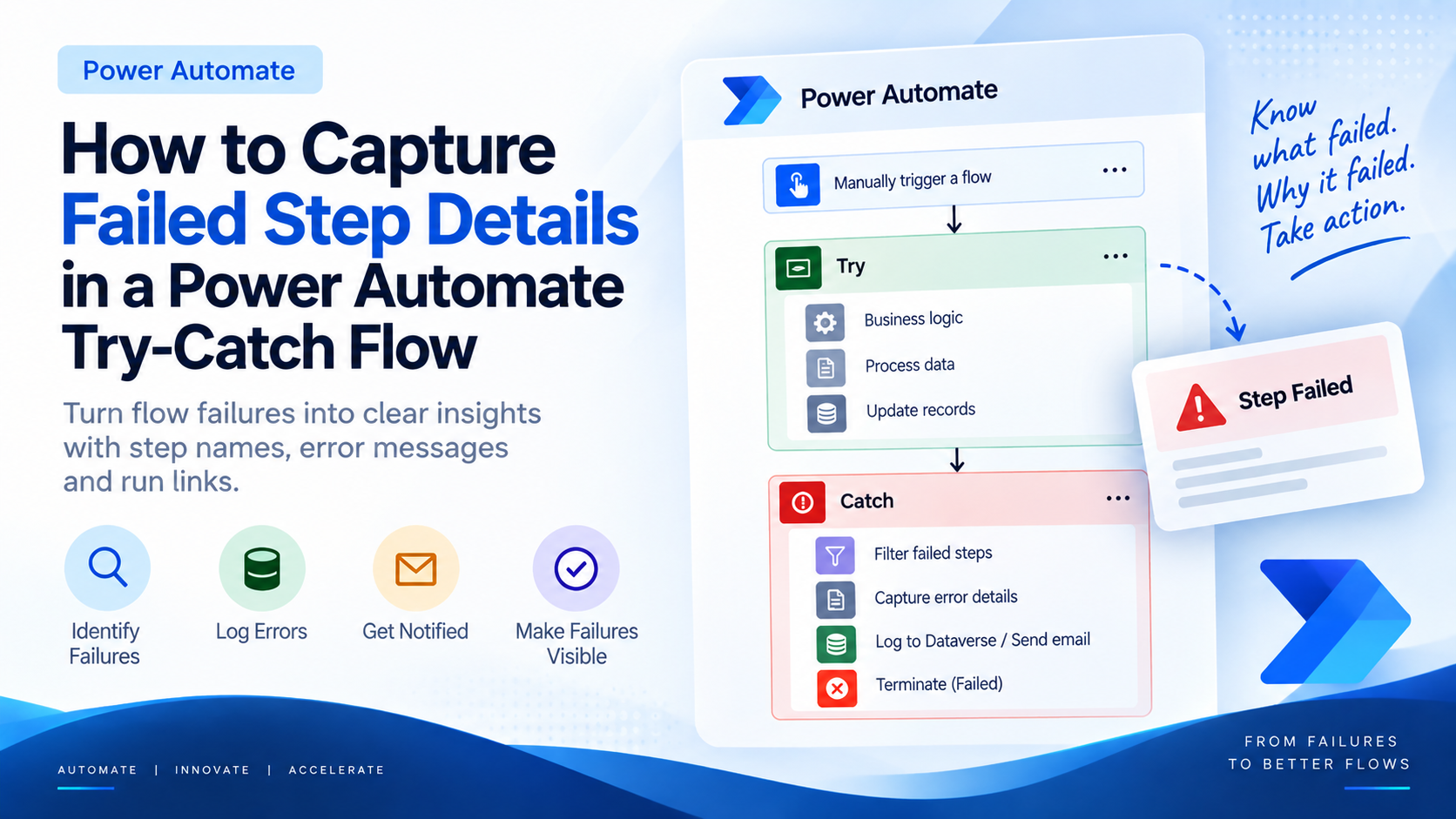
Introduction Most teams building Power Automate flows eventually land on the same pattern: wrap your business logic in a Scope,…
READ MORE
Introduction Custom Pages provide a modern way to edit records in Dynamics 365. A common approach is to open a…
READ MORE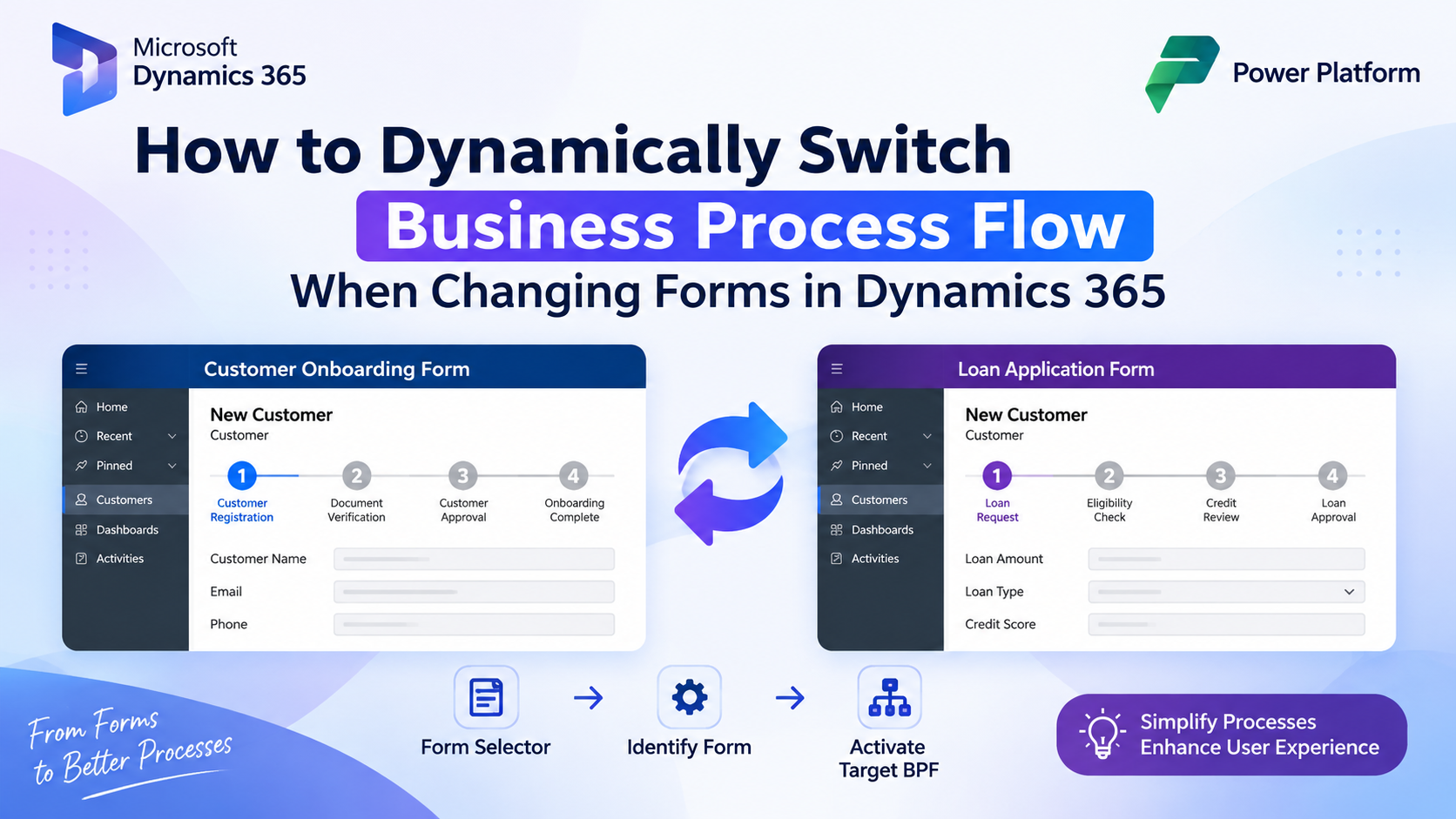
How to Dynamically Switch Business Process Flow When Changing Forms in Dynamics 365 Introduction Microsoft Dynamics 365 provides powerful customization…
READ MORE