
29 Jul, 2020
Posted on 29 Jul, 2020 by Admin, Posted in Power Automate
 Blogs
Blogs
The Microsoft is improving the feature of Common data service and the CDS (Current Environment) is advance version of CDS.
Today we will see, how we can set lookup in power automate using CDS Vs. CDS (current environment) connector.
In the power automate, when we search for Common Data Service, then we can see two connectors as shown in below image.
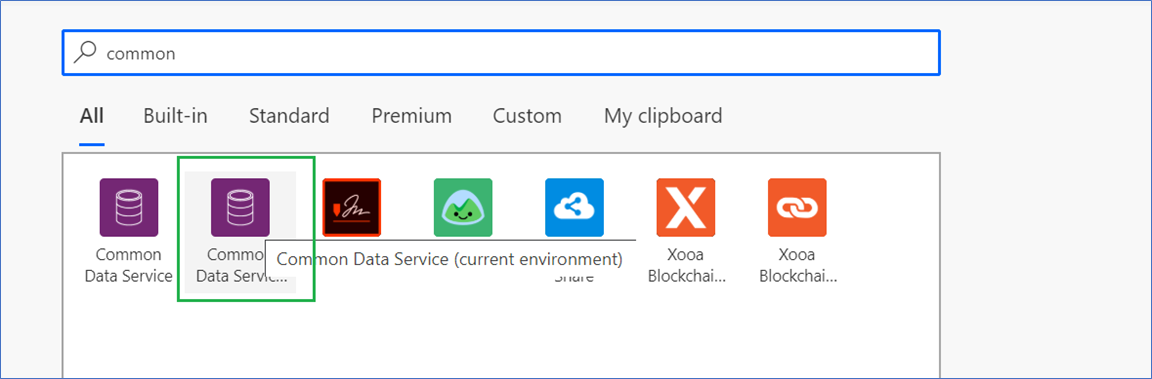
The above highlighted green part is CDS (current environment) connector.
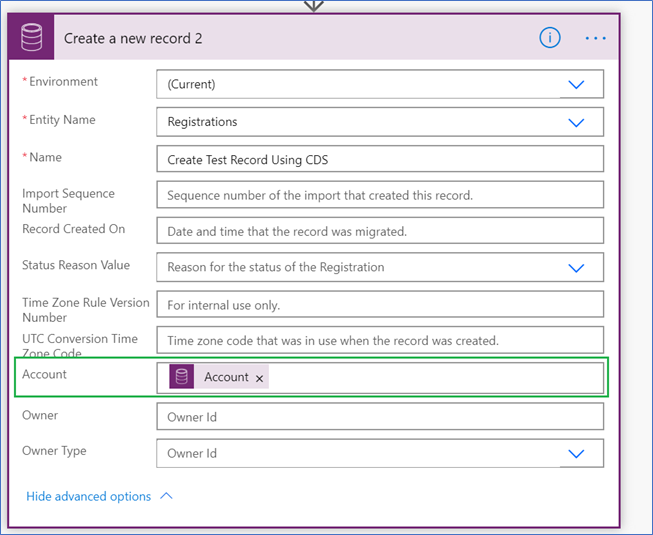

After running the above power automate the below record gets created in CRM system as shown below:
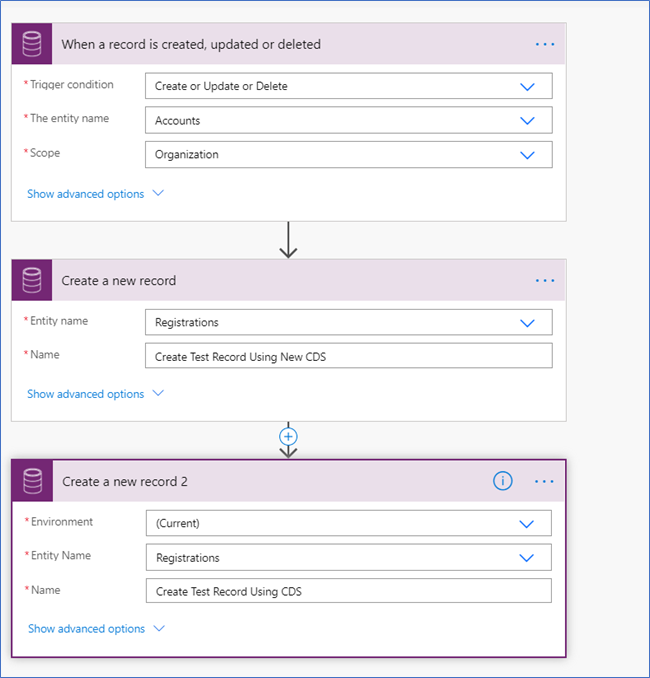
After running the above power automate the below records gets created in CRM system as shown below:

Comment

Power Pages Server Logic allows developers to execute secure backend JavaScript directly within Power Pages. It is commonly used for…
READ MORE
In this blog, we’ll build and deploy a Single Page Application (SPA) using React + Vite and host it on…
READ MORE
Introduction In Dynamics 365, subgrids are commonly used to display related records, such as Opportunities under an Account. While out-of-the-box…
READ MORE