
21 Nov, 2021
Posted on 21 Nov, 2021 by Admin, Posted in Dynamics 365 Power Platform
 Blogs
Blogs
As we know PCF control allows us to develop the reusable component that can be used in Model Driven or Canvas Apps.
The PCF control can be imported in CRM as managed or Unmanaged Solution.
So, while working we came across a Question that, In which entity the PCF control details (i.e. Information of PCF control) get stored?
customcontrol entity.
Consider below example, I have created a below PCF control as “Demo Control” of type managed and imported the same in Dynamics instance.
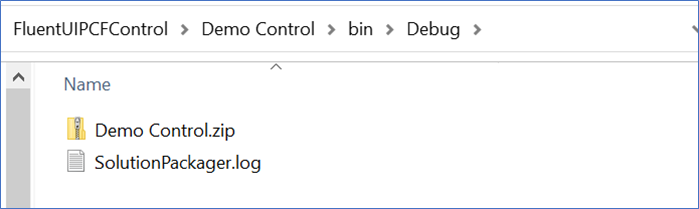

Now, to check the details about imported PCF control. We run below FetchXML query

In the highlighted part you can write name of your PCF control.

Comment
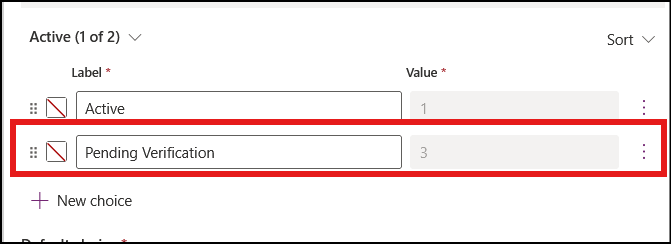
The Problem Recently, we faced an interesting issue while working with the Status Reason (statuscode) field on the Contact table.…
READ MORE
There are certain things in a CRM project that a QA must validate or verify before any solutions gets deploy…
READ MORE
Building a Power Apps Code App is just the beginning. In real-world business applications, users often need to send emails,…
READ MORE