
15 Jul, 2026
Posted on 15 Jul, 2026 by Shoaib Khan, Posted in Microsoft Power Platform Power Apps Dataverse Power Platform Dynamics 365 Web Api Dynamics 365 Blog
 Blogs
Blogs
Recently, we faced an interesting issue while working with the Status Reason (statuscode) field on the Contact table.
Our environments were configured as follows:
Development – Unmanaged
UAT – Managed
Unfortunately, someone accidentally deleted one of the Status Reason values from the Contact table in the Development environment.
Normally, you would think creating the option again would solve the problem. However, that's where the real challenge began.
When you create a new Status Reason value from the Maker Portal or Solution Explorer:
For example:
| Before Deletion | After Creating Again |
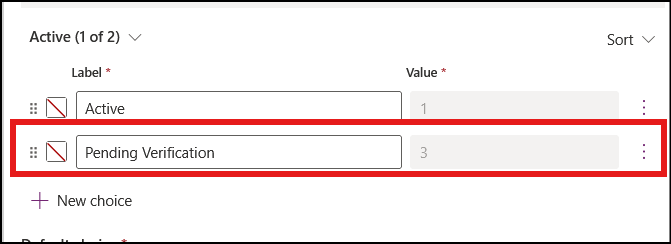
| Pending Verification = 3 | Pending Verification = 800860001 |
This created a deployment problem.
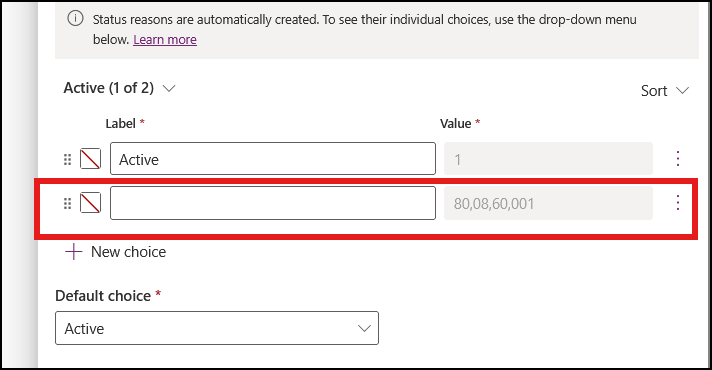
The UAT managed solution was still expecting the original value (3), but Development now had a different value (800860001).
Changing the value manually isn't supported, and Dataverse doesn't provide a way to override the automatically assigned value.
At this point, we were stuck.
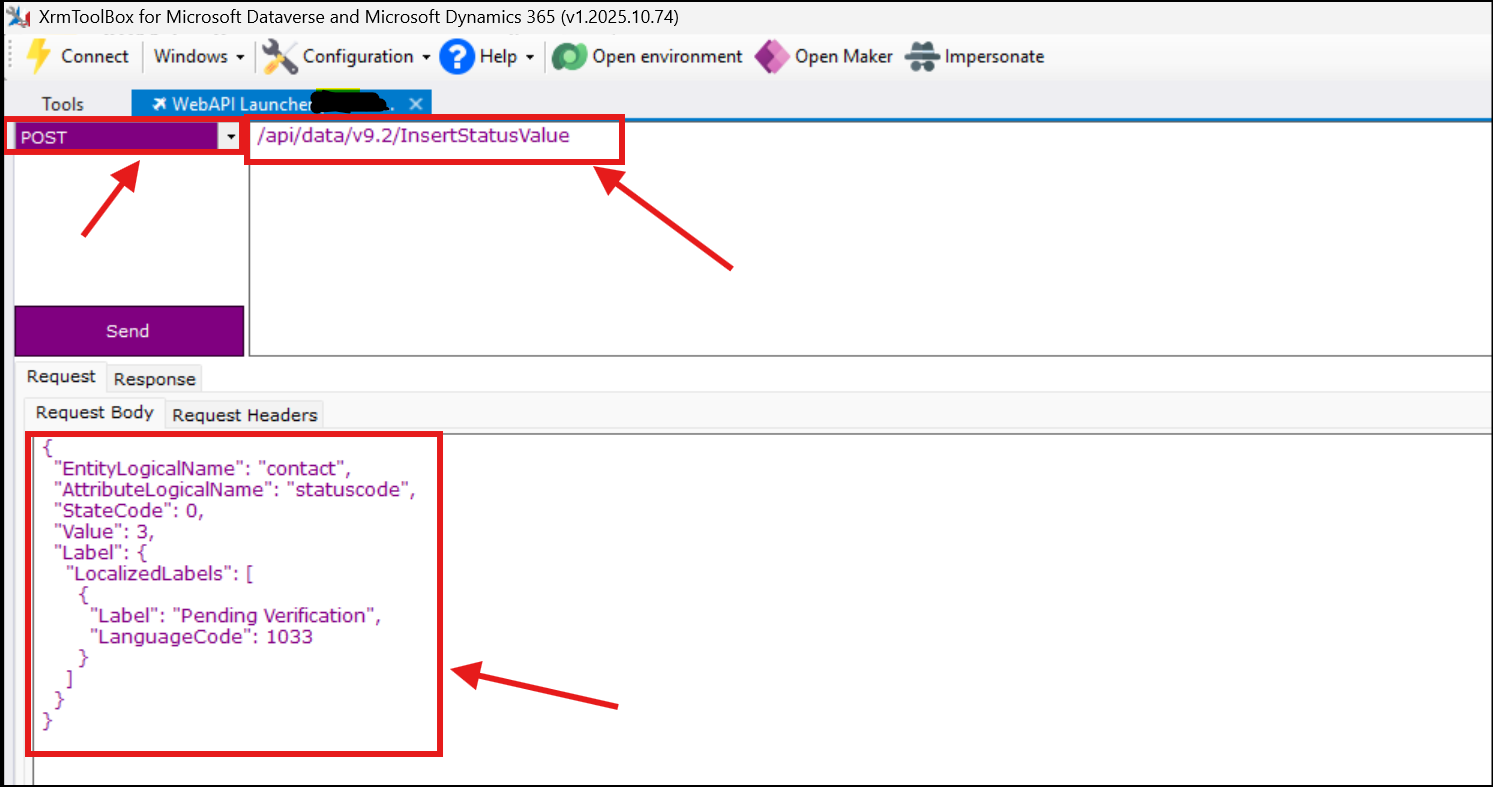
After some research, we found that Dataverse exposes a Web API action called.
Unlike creating a Status Reason through the UI, this API allows you to specify the exact integer value for the Status Reason.
Using the XrmToolBox Web API Launcher, we called the following endpoint:
As shown below, the request completed successfully.
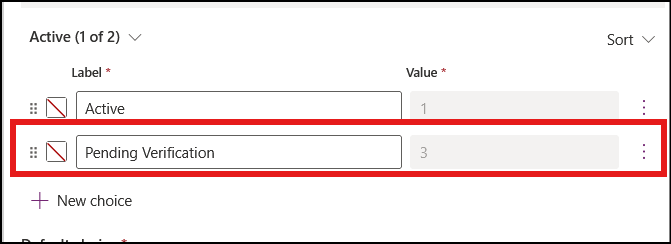
Once the Status Reason was recreated with the same value (3) in the Development environment:
Because both environments now contained the same Status Reason value, the managed solution imported without any issues.
Comment
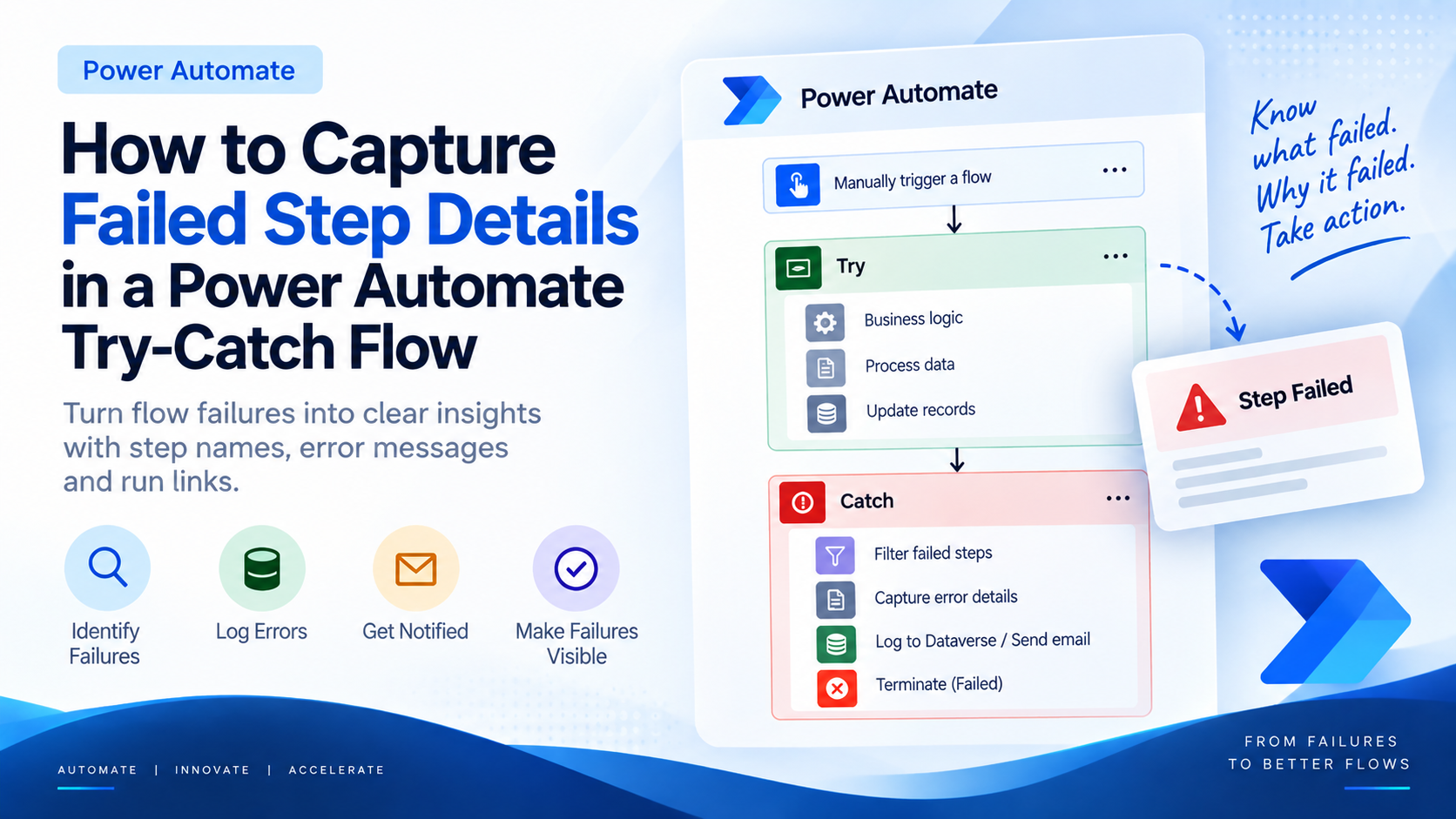
Introduction Most teams building Power Automate flows eventually land on the same pattern: wrap your business logic in a Scope,…
READ MORE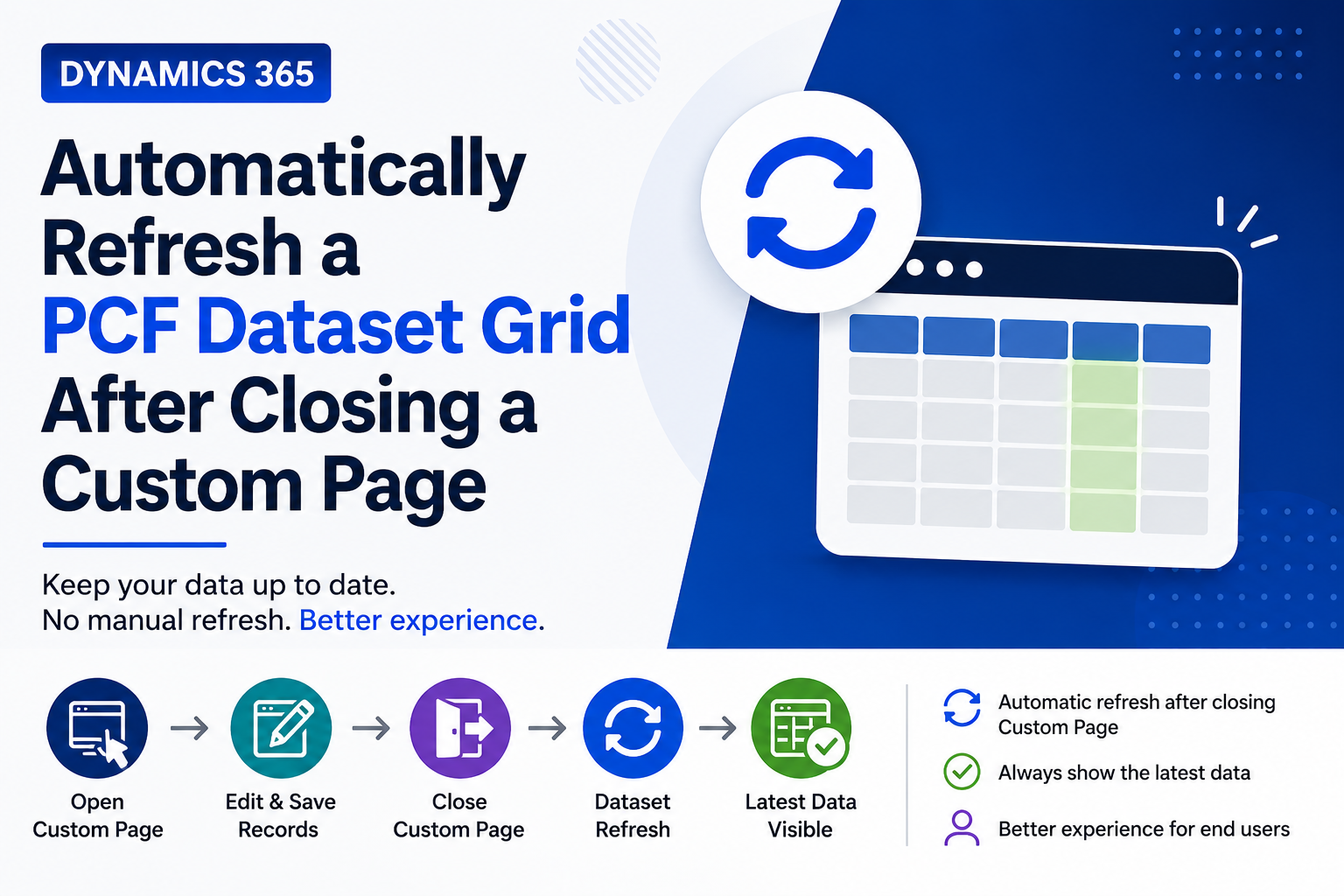
Introduction Custom Pages provide a modern way to edit records in Dynamics 365. A common approach is to open a…
READ MORE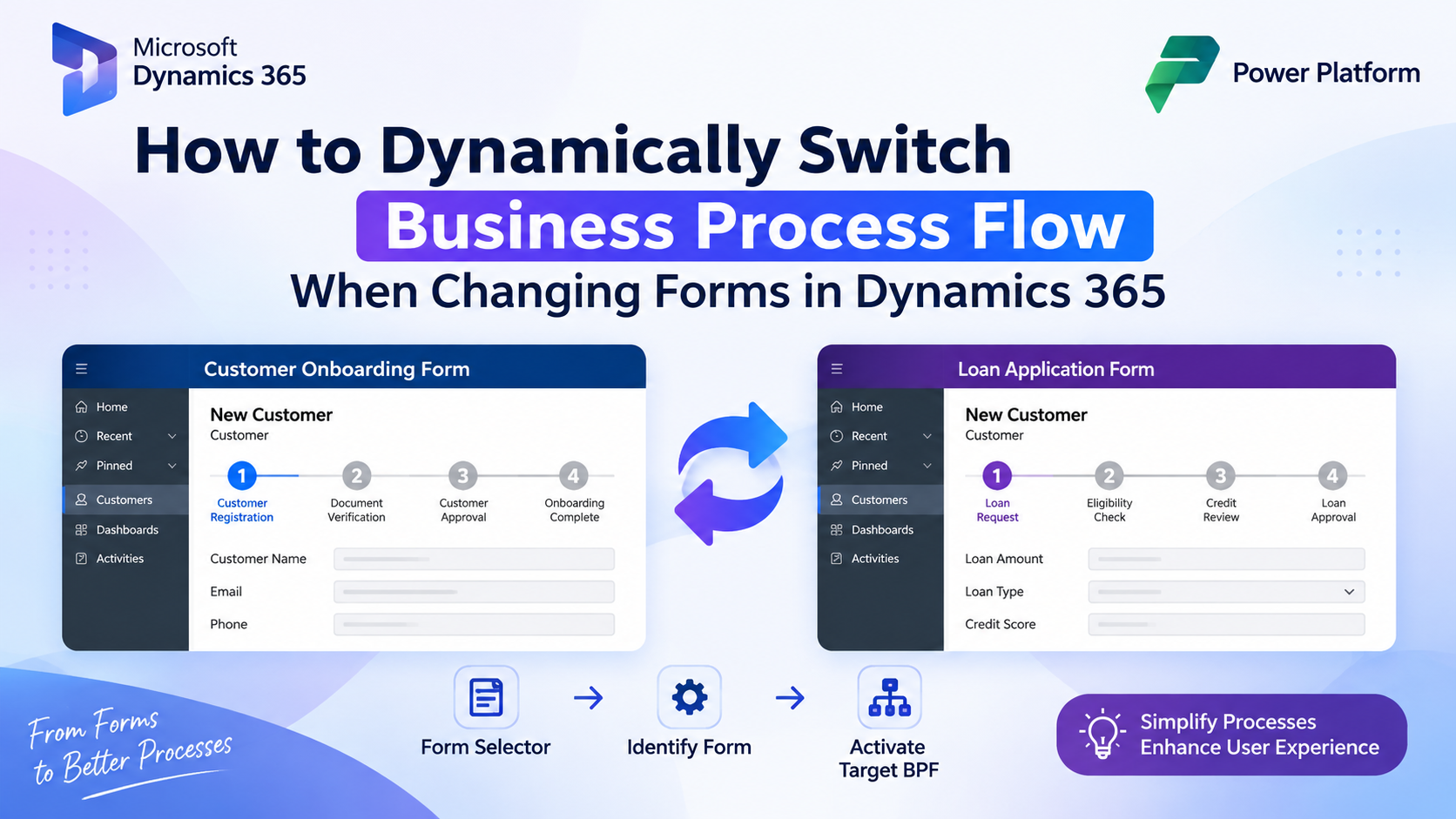
How to Dynamically Switch Business Process Flow When Changing Forms in Dynamics 365 Introduction Microsoft Dynamics 365 provides powerful customization…
READ MORE