
25 Jun, 2026
Posted on 25 Jun, 2026 by Vatsal, Posted in Dynamics 365 Customer Service Dataverse Power Platform Blog
 Blogs
Blogs
There are certain things in a CRM project that a QA must validate or verify before any solutions gets deploy to production by dev team, to ensure smooth delivery and save time.
Deploying a solution to production isn’t just about verifying new requirements. A successful deployment requires validating security, existing functionality, integrations, data integrity, and user experience to avoid business disruptions.
Here are the seven areas QA teams should cover before every go-live:
1. Functional Requirement Validation : The first and most important step is validating all business requirements.
CHECKLISTS:
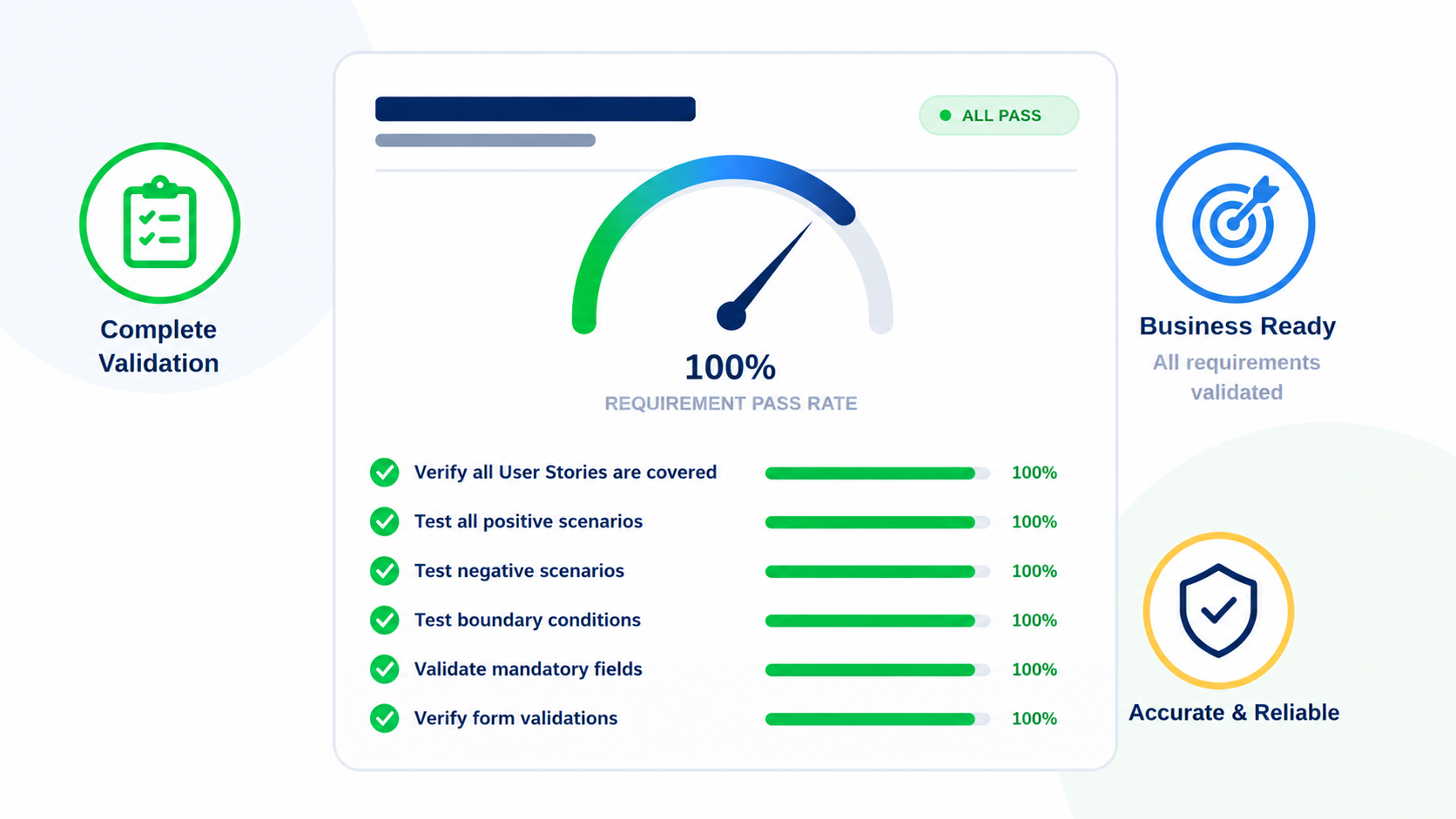
WHY IT MATTERS: Even a small missed scenario can lead to incorrect business data in production.
2. Security Role Testing : Security testing is one of the most overlooked areas in CRM projects. Security testing should be performed whenever the system contains multiple security roles or varying permission levels. This helps ensure that users can access only the data and functionality intended for their role.
CHECKLISTS:
WHY IT MATTERS: A functionality may work perfectly for System Administrators but fail for business users due to missing privileges.
3. Out-of-the-Box (OOB) Functionality Testing : If the solution uses Dynamics 365 out-of-the-box tables and features, QA should validate the standard functionality, even if it was not explicitly mentioned in the requirements. Customizations can sometimes unintentionally affect OOB behavior, making this validation an important part of pre-production testing. Whenever a customization is implemented on an existing table, all relevant OOB features of that table should be tested to verify that the customization has not affected standard functionality.
CHECKLISTS:
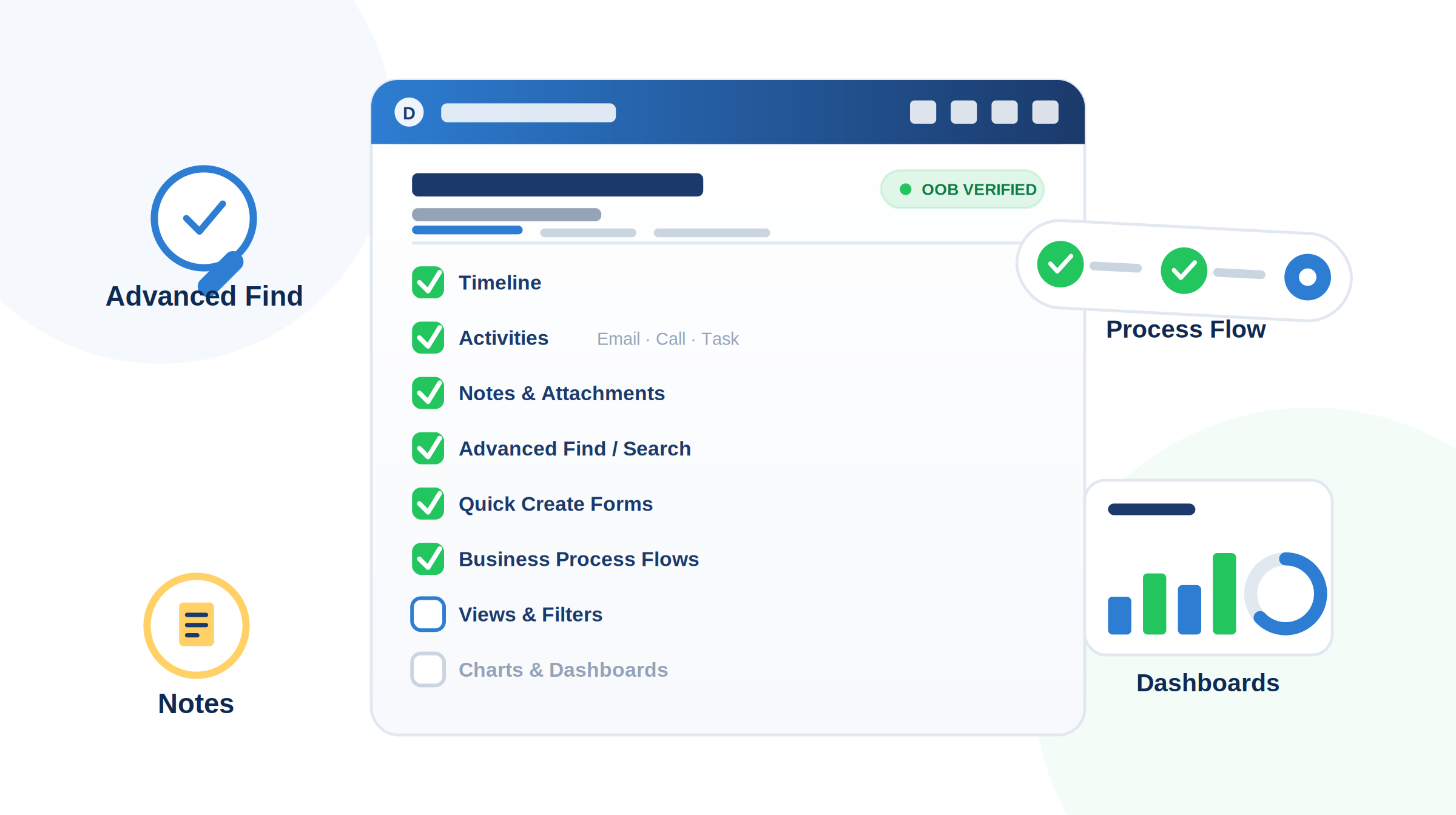
WHY IT MATTERS: Many production defects arise because custom code interferes with standard Dynamics CRM functionality.
4. Regression Testing : Every deployment should include regression testing. Regression testing ensures that newly implemented features, bug fixes, configurations, or customizations have not unintentionally impacted existing functionality within the system. In Dynamics 365, even a small change such as a Plugin update, Power Automate modification, JavaScript enhancement, or security role change can affect multiple business processes.
CHECKLISTS:
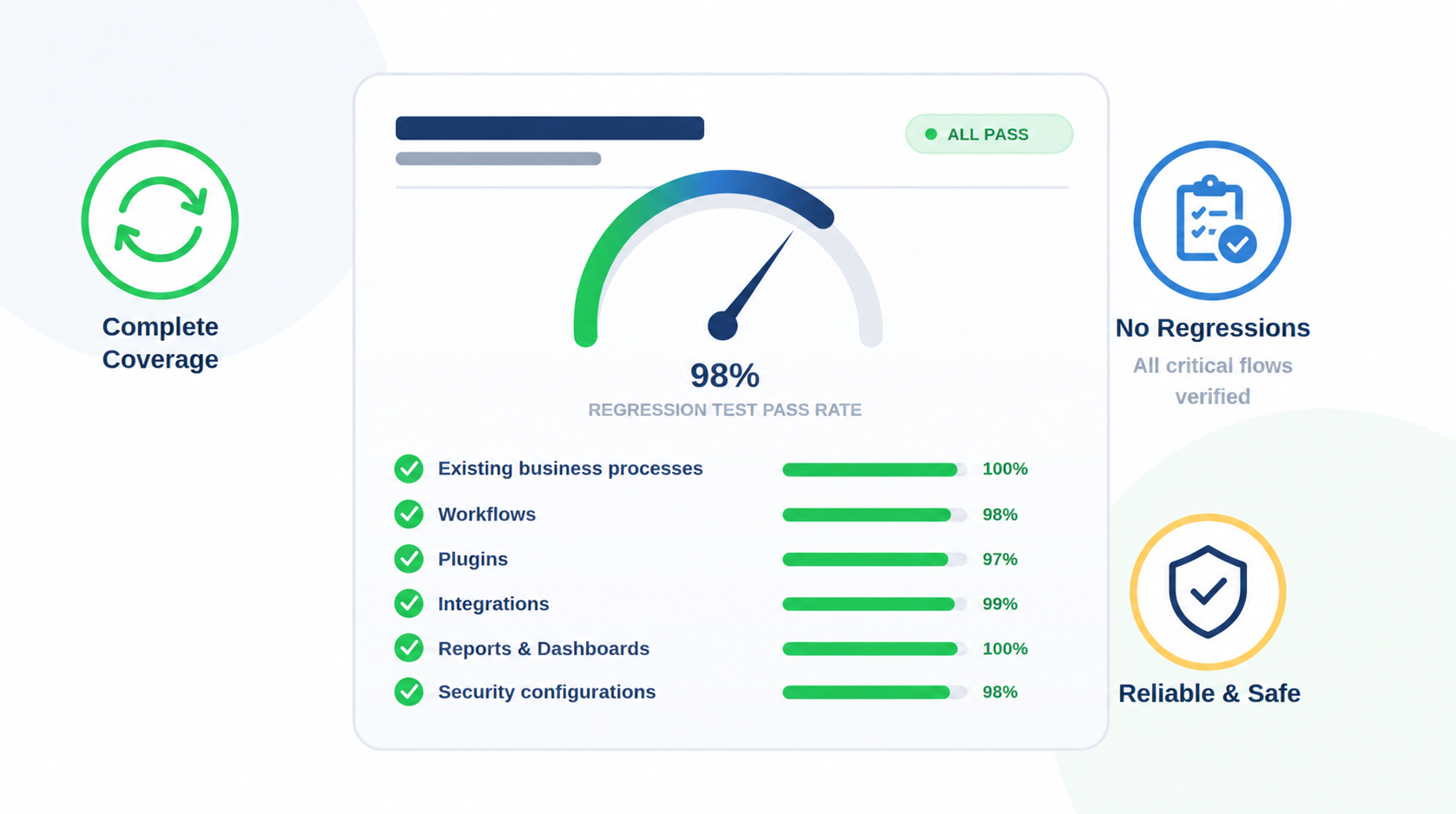
WHY IT MATTERS: New changes often break previously working functionality.
5. Data Validation: Data validation helps confirm that records, relationships, lookup values, pricing information, and historical data have been transferred correctly and are available to end users as expected.
CHECKLISTS:
WHY IT MATTERS: Incorrect data can impact reporting and business decisions.
6. Performance Testing: Performance testing helps ensure that the Dynamics 365 application remains responsive, stable, and efficient under expected business workloads. While functional testing verifies that features work correctly, performance testing verifies that they work within acceptable response times and do not negatively impact the user experience.
CHECKLISTS:
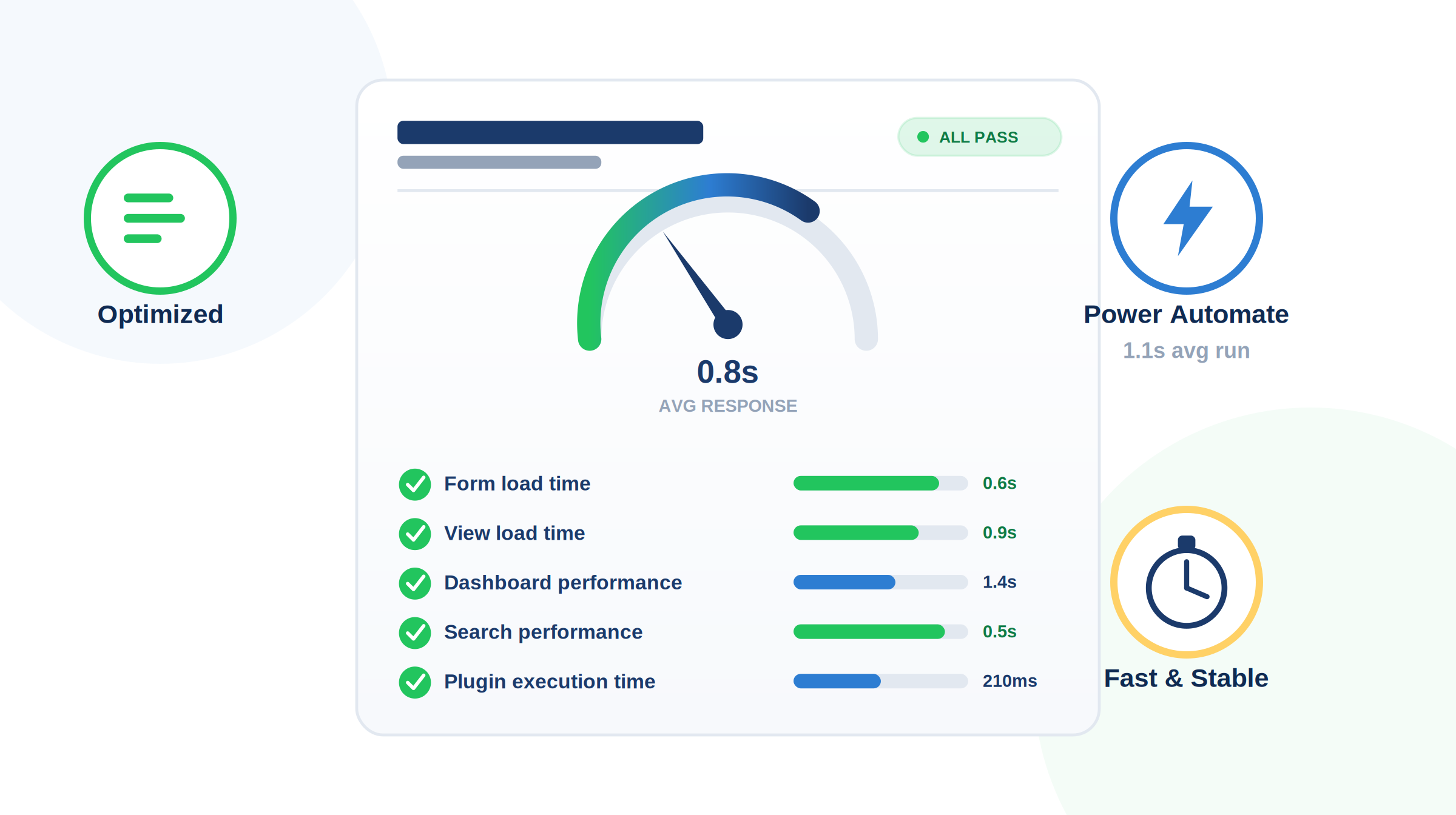
WHY IT MATTERS: Users care about performance as much as functionality.
7. Deployment Validation (Smoke Testing) : Immediately after deployment.
CHECKLISTS:
WHY IT MATTERS: This confirms that the deployment was successful before users start working.
FINAL THOUGHTS
A successful Dynamics 365 CRM deployment is not just about testing new functionality. QA teams should validate security roles, out-of-the-box features, integrations, performance, and regression scenarios to ensure business continuity.
Following a structured pre-production checklist significantly reduces production defects and increases deployment confidence.
Comment
Introduction Most teams building Power Automate flows eventually land on the same pattern: wrap your business logic in a Scope,…
READ MORE
Introduction Custom Pages provide a modern way to edit records in Dynamics 365. A common approach is to open a…
READ MORE
How to Dynamically Switch Business Process Flow When Changing Forms in Dynamics 365 Introduction Microsoft Dynamics 365 provides powerful customization…
READ MORE