
12 Jan, 2026
Posted on 12 Jan, 2026 by Dadasaheb Deole, Posted in Microsoft Power Platform Microsoft 365 PCF (PowerApps Component Framework) Power Apps Dynamics 365 Customer Service Dynamics-365 Sales Dynamics 365
 Blogs
Blogs
Introduction
Power Apps is one of the most widely used platforms for building business applications. As organizations grow, they expect applications to be faster, smarter, visually modern, and reusable.
Earlier, developers used HTML web resources to customize Dynamics 365. These were difficult to maintain and lacked flexibility. To address these challenges, Microsoft introduced the Power Apps Component Framework (PCF).
PCF is the recommended approach for building advanced, interactive, and reusable UI components in Power Apps.
This guide explains PCF in simple language and covers:
What Is Power Apps Component Framework (PCF)?
The Power Apps Component Framework (PCF) is a framework that allows developers to build custom code components for Power Apps and Dynamics 365.
PCF components can be used in:
In simple terms:
PCF lets you create your own controls when default controls are not enough.
Examples of PCF controls include:
Official Microsoft documentation: Click Here
Why PCF Is Important
PCF is now a key part of enterprise Power Apps development.
1. Modern user experience
PCF controls look and behave like modern web application components. They are responsive, fast, and visually consistent.
2. Reusable components
Once developed, a PCF control can be reused across multiple:
This reduces development time and cost.
3. Strong Microsoft platform support
PCF is actively enhanced by Microsoft and used in many native controls inside Power Apps.
Fluent UI Controls in PCF
One major advantage of PCF is support for Fluent UI, Microsoft’s official design system.
Fluent UI is used in:
It includes components such as:
Why Fluent UI is useful with PCF
Developers often use Fluent UI React with PCF to build:
Fluent UI with PCF documentation: Click Here
PCF Gallery Reuse and Learn Faster
The PCF Gallery is a community-driven collection of ready-made PCF controls.
It includes:
Benefits of the PCF Gallery:
PCF Gallery website: Click Here
Community resources page: Click Here
Who Should Use PCF?
Microsoft generally identifies two types of developers:
1. Citizen developers
2. Professional developers
Professional developers create PCF controls.
Citizen developers use them in apps.
PCF vs HTML Web Resources
|
Feature |
HTML Web Resources |
PCF |
|
Context access |
Limited |
Full framework context |
|
Performance |
Slower |
Faster |
|
UI integration |
Separate |
Seamless |
|
Reusability |
Low |
High |
|
Deployment |
Multiple files |
Solution based |
|
Responsive design |
Limited |
Built-in |
|
Future support |
Reducing |
Strong |
PCF controls load with the app, support responsive layouts, and follow accessibility guidelines, making them ideal for enterprise applications.
Is PCF Future Ready?
Yes, PCF is designed for the future.
Learning PCF now is highly valuable for Power Platform developers.
Conclusion
The Power Apps Component Framework (PCF) has transformed how developers extend Power Apps and Dynamics 365.
To summarize:
If you want scalable and high-quality Power Apps solutions, PCF is the right direction.
Comment
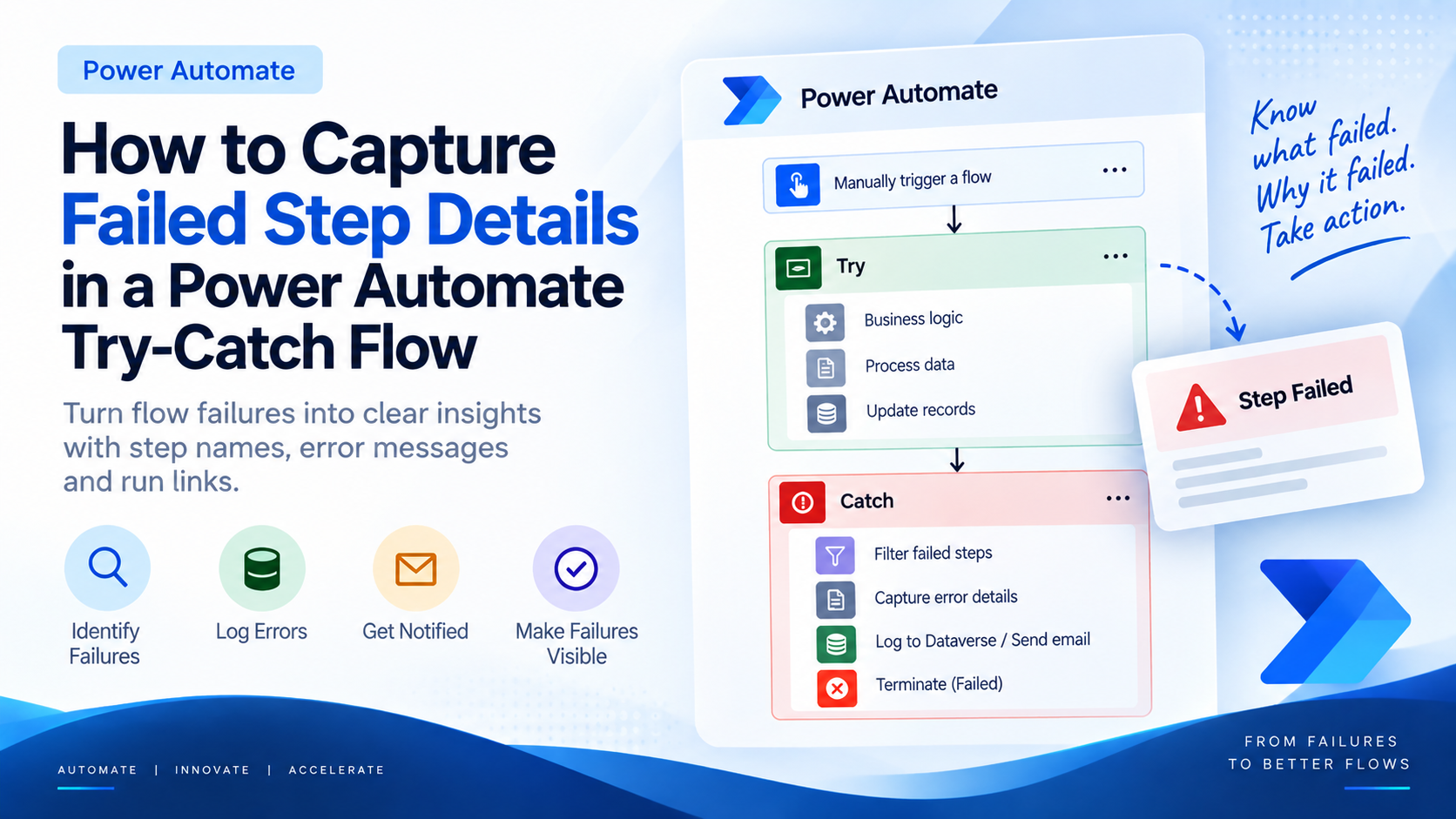
Introduction Most teams building Power Automate flows eventually land on the same pattern: wrap your business logic in a Scope,…
READ MORE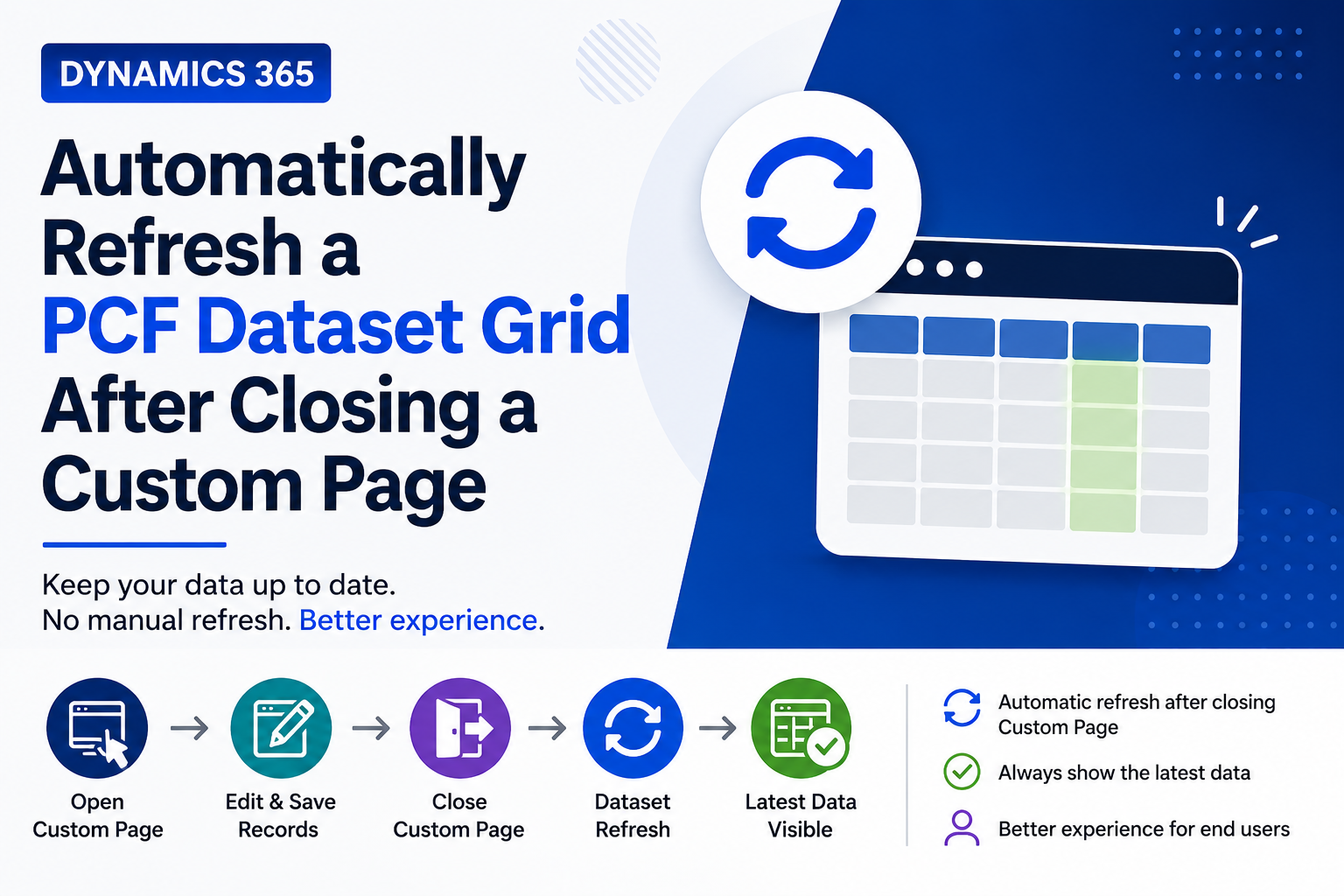
Introduction Custom Pages provide a modern way to edit records in Dynamics 365. A common approach is to open a…
READ MORE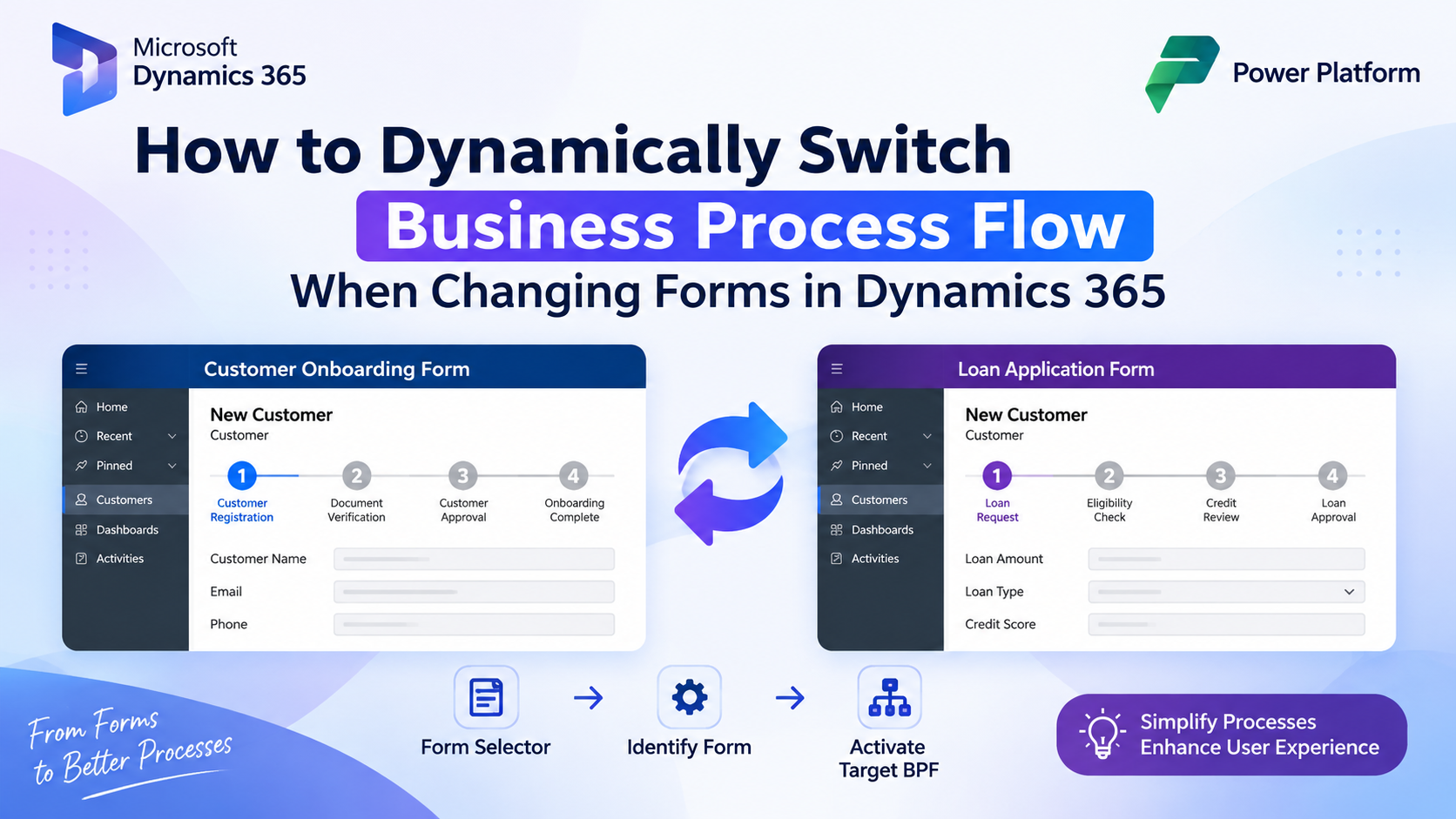
How to Dynamically Switch Business Process Flow When Changing Forms in Dynamics 365 Introduction Microsoft Dynamics 365 provides powerful customization…
READ MORE