
27 Apr, 2022
Posted on 27 Apr, 2022 by Admin, Posted in Dataverse Dynamics 365 Dynamics-365 Sales
 Blogs
Blogs
In this blog, we will see how we can retrieve the details about “Entity Main” Form.
Details such as
We can use below method to retrieve details about entity main form.
Xrm.Utility.getEntityDefaultMainFormDescriptor(entityName, formId);
Here,
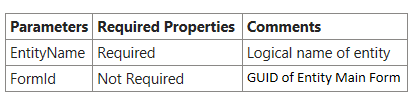
Note: If we don’t specify the FormId then above method will select Default Form of specified entity.
For More details please use below link:
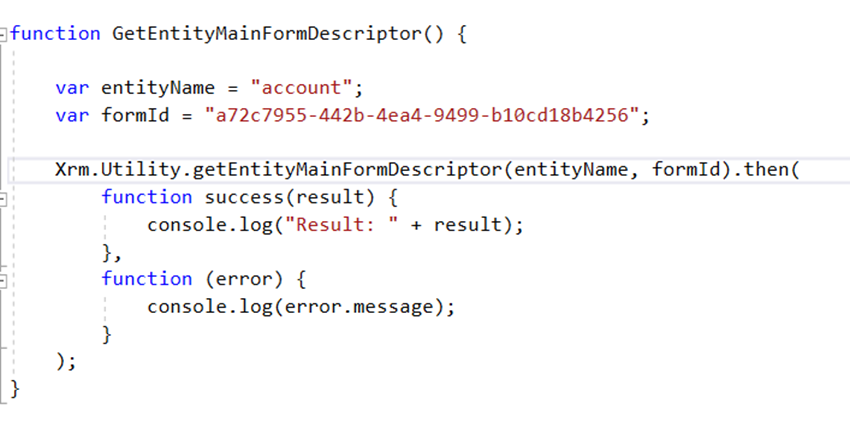
Example:
We have written below sample code to get the details about the account Main Form.
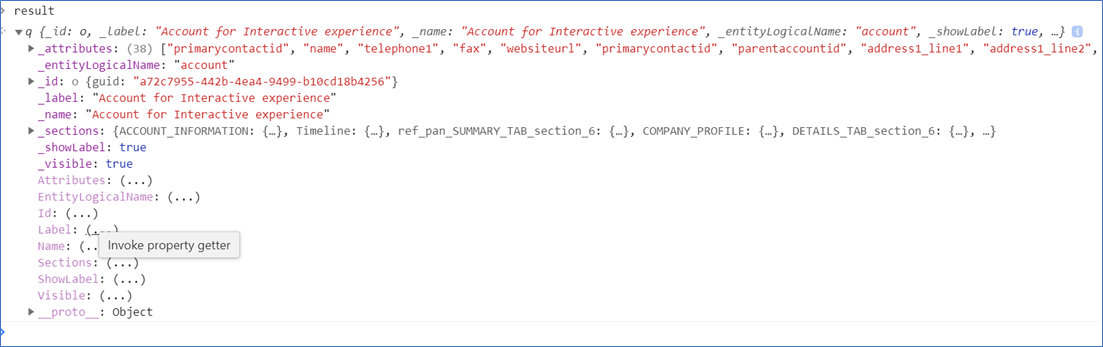
Result:
Comment
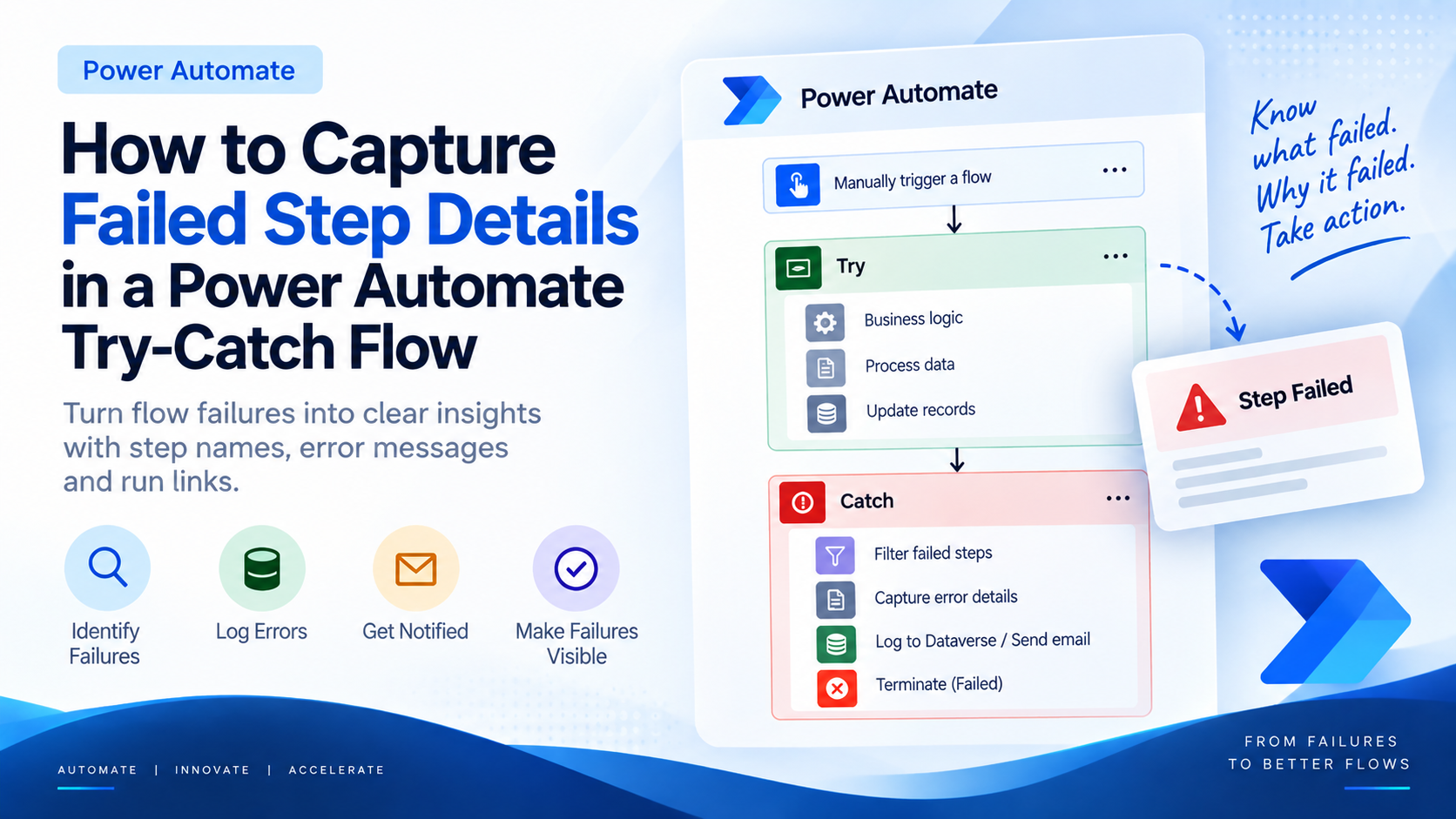
Introduction Most teams building Power Automate flows eventually land on the same pattern: wrap your business logic in a Scope,…
READ MORE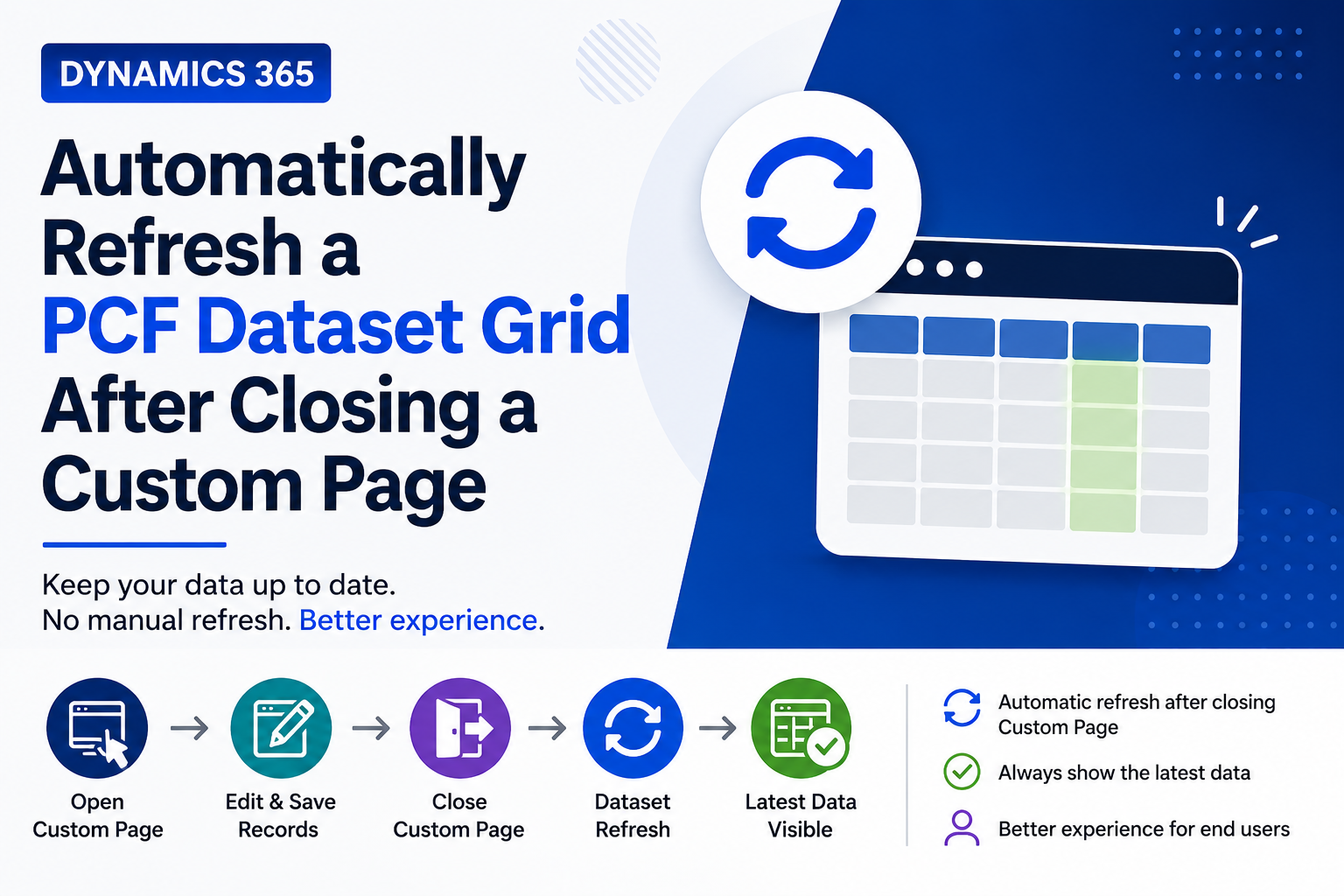
Introduction Custom Pages provide a modern way to edit records in Dynamics 365. A common approach is to open a…
READ MORE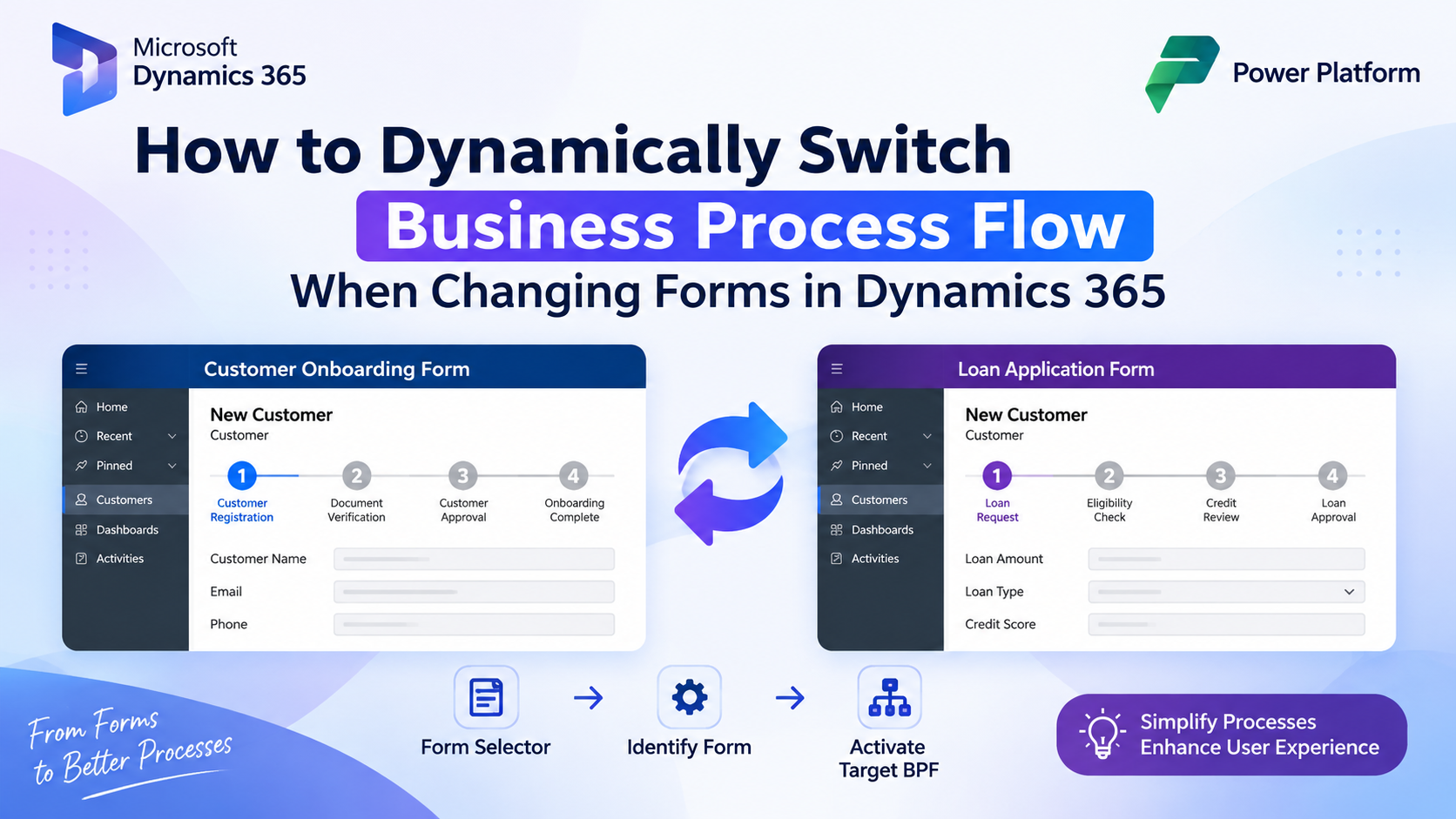
How to Dynamically Switch Business Process Flow When Changing Forms in Dynamics 365 Introduction Microsoft Dynamics 365 provides powerful customization…
READ MORE