08 Sep, 2026
Posted on 08 Sep, 2026 by Bharathi Siripuram, Posted in SharePoint Power Apps Dynamics 365
 Blogs
Blogs
Introduction
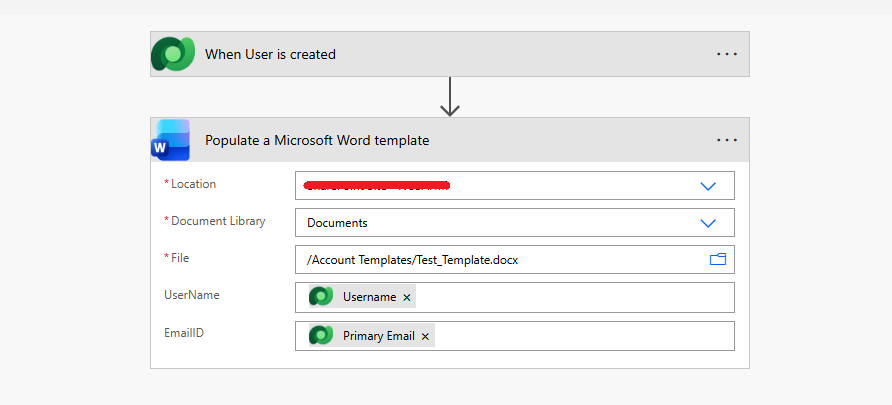
Many times, we come across scenarios where we need to populate a Word template in Dynamics 365 using Power Automate — connecting to Word Online (Business), and directly selecting a SharePoint site, document library, and file inside the action. This works fine... as long as everything stays fixed. One tenant, one site, one library — all manually selected, once.
But stop and think — what if the site changes? What if the drive or list where the template lives gets renamed, moved, or replaced? What if the same flow now needs to run in a different environment altogether — Test, Prod, or a different client's tenant?
Suddenly, manual selection isn't just inconvenient — it's a blocker. Someone has to reopen the flow, delete and reselect the site and library by hand, republish, and hope nothing else breaks along the way.
So what needs to be done instead? The answer is simpler than it sounds: a single dynamic URL — swap only the tenant and site name — returns every Drive ID and List GUID you need. No manual clicking, no developer required to repoint the flow every time something changes.
Pre-requisites
Step-by-Step Guide
Step 1: The Manual Way (and Why it is not scalable)
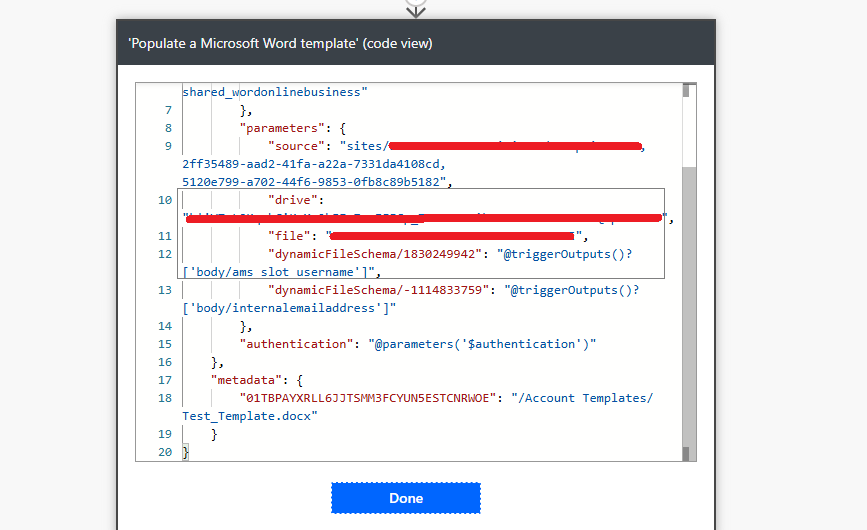
Step 2: Dynamically Get the Site ID and Web ID
https://{tenant}.sharepoint.com/sites/{site-name}/_api/site/id https://{tenant}.sharepoint.com/sites/{site-name}/_api/web/id 

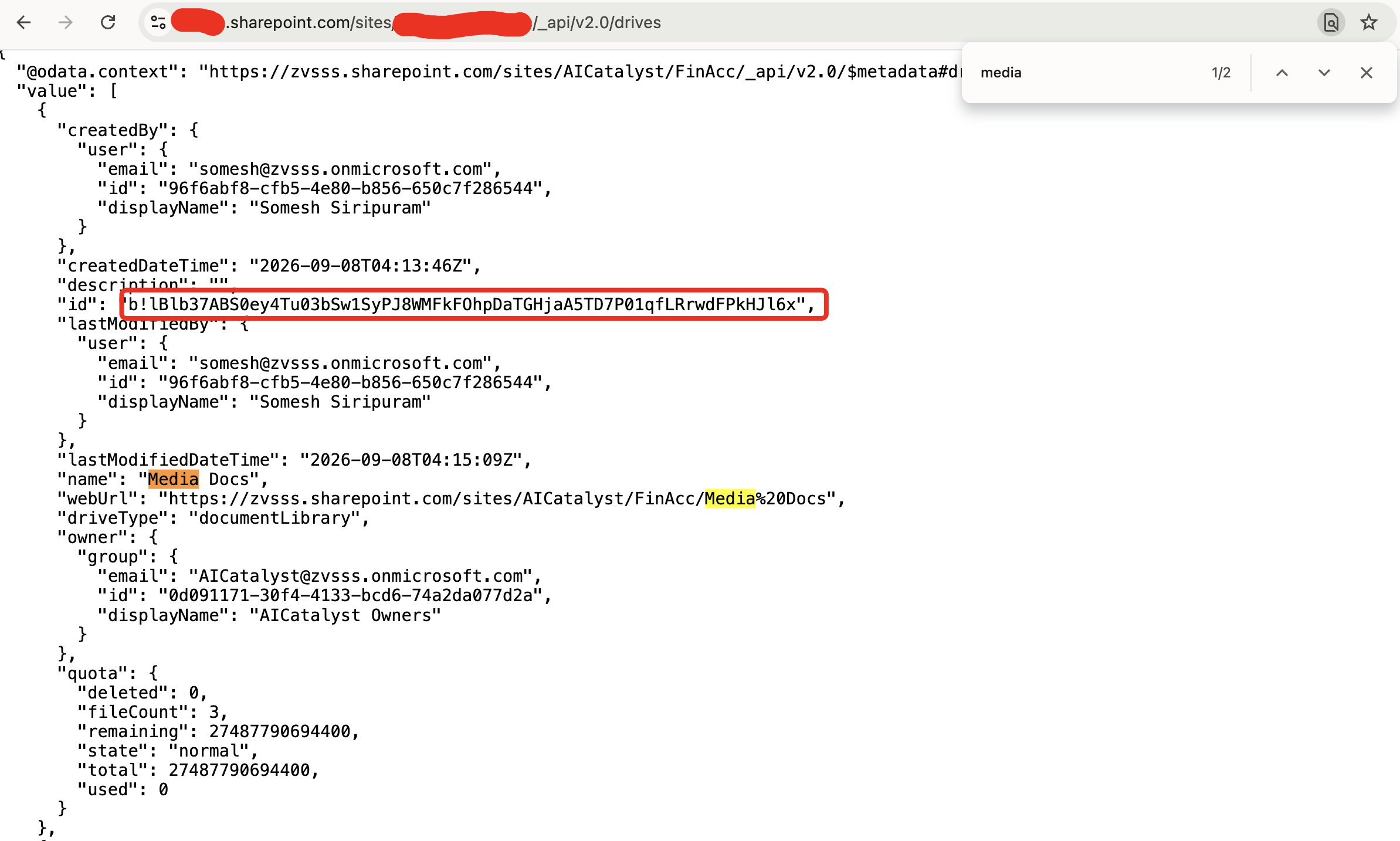
Step 3: Get Every List GUID and Drive ID on the Site (One Call)
https://{tenant}.sharepoint.com/sites/{site-name}/_api/web/lists/GetByTitle('{list-name}')?$select=title,id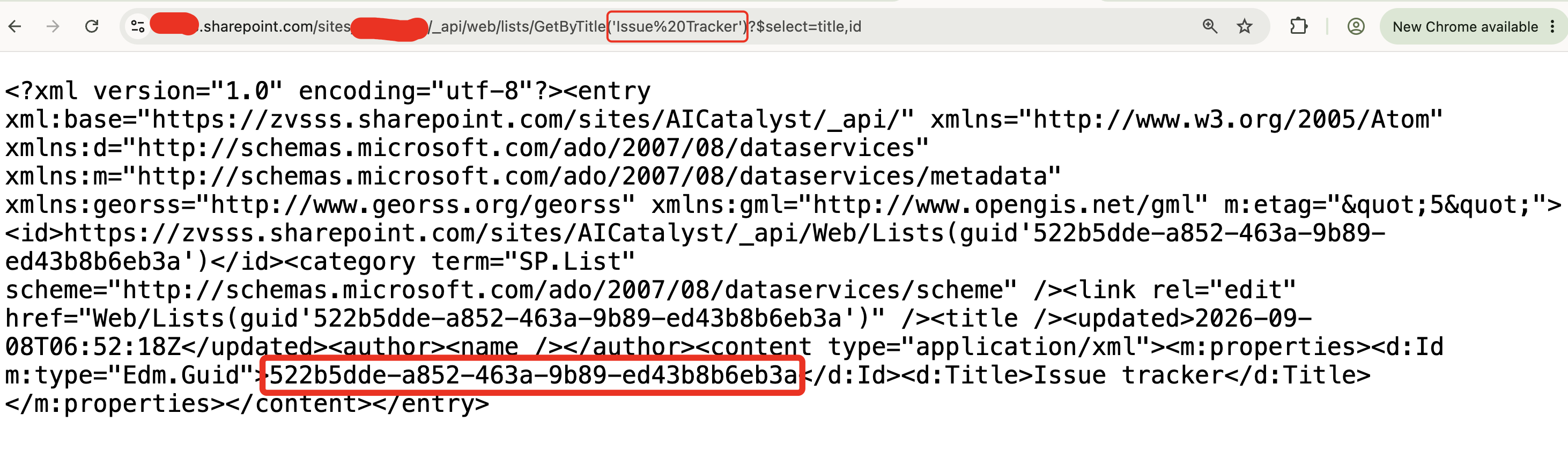
Step 4: Store the Values as Environment Variables — Not a Custom Configuration Table
Common Mistakes
 Hardcoding the Drive ID or List GUID directly inside flow actions instead of referencing an Environment Variable.
Storing SharePoint IDs in a generic configuration table, then parsing them out with extra steps.
Assuming the same List GUID works across environments — every site and tenant generates its own IDs — don't reuse one across environments.
Conclusion
One dynamic URL — tenant and site name swapped — replaces manual clicking and code-peeking every time an environment changes. Paired with Environment Variables instead of a custom configuration table, it gives clients a simple, self-service way to repoint a solution at a new site, with no developer required.
Hope you found this helpful!
Comment
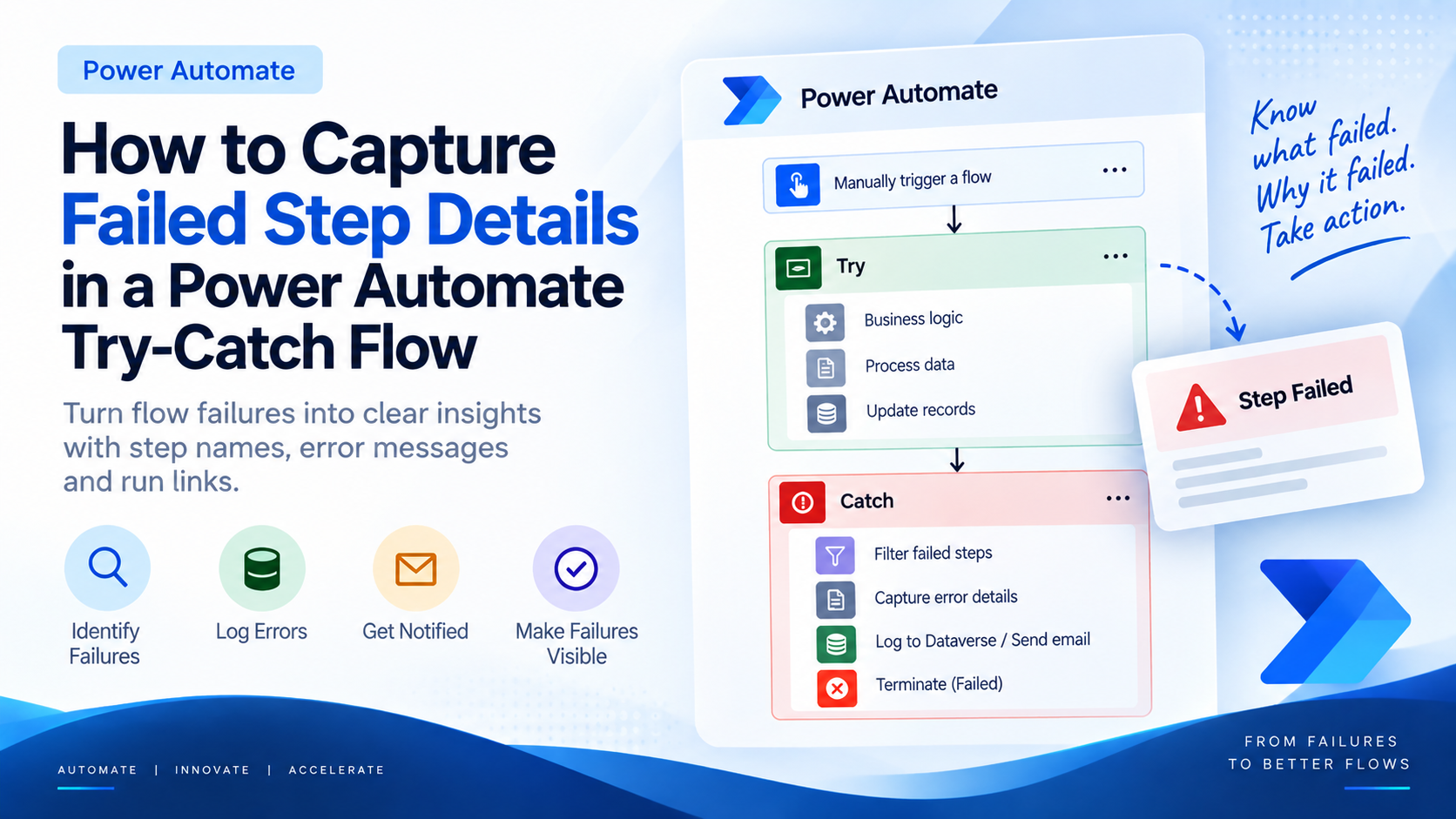
Introduction Most teams building Power Automate flows eventually land on the same pattern: wrap your business logic in a Scope,…
READ MORE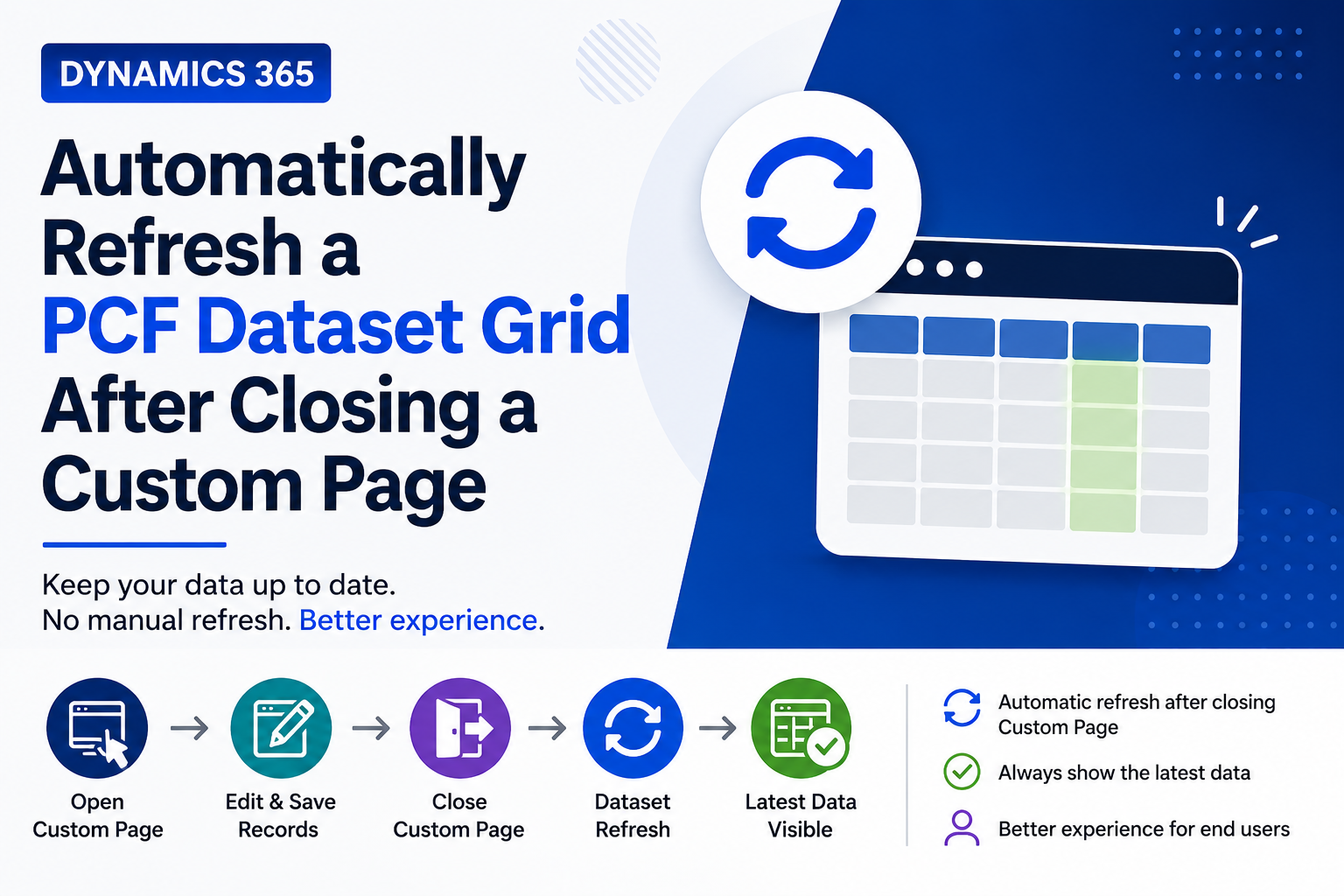
Introduction Custom Pages provide a modern way to edit records in Dynamics 365. A common approach is to open a…
READ MORE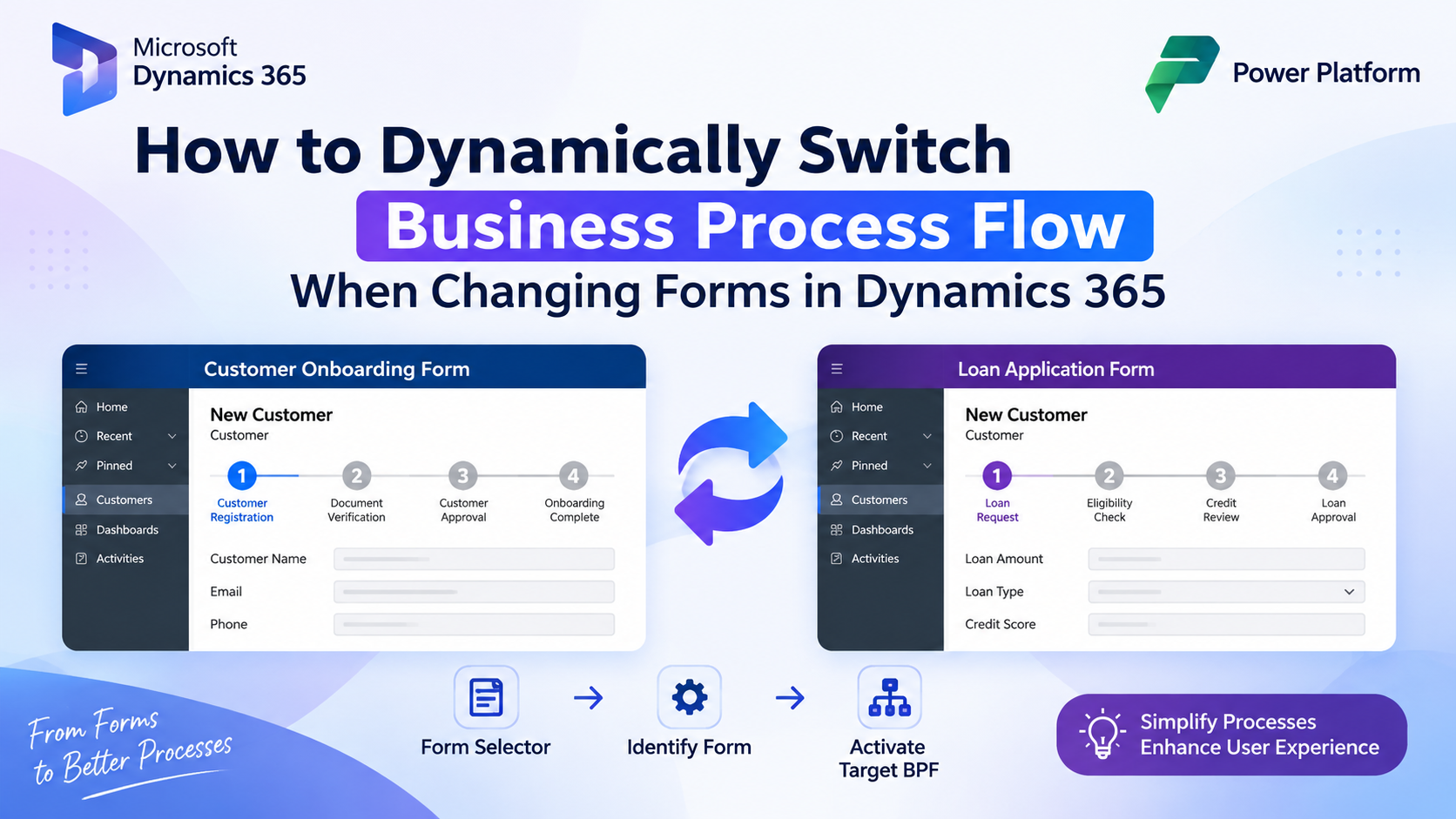
How to Dynamically Switch Business Process Flow When Changing Forms in Dynamics 365 Introduction Microsoft Dynamics 365 provides powerful customization…
READ MORE