
01 Dec, 2025
Posted on 01 Dec, 2025 by Shoaib Khan, Posted in Dynamics 365 Microsoft Power Platform
 Blogs
Blogs
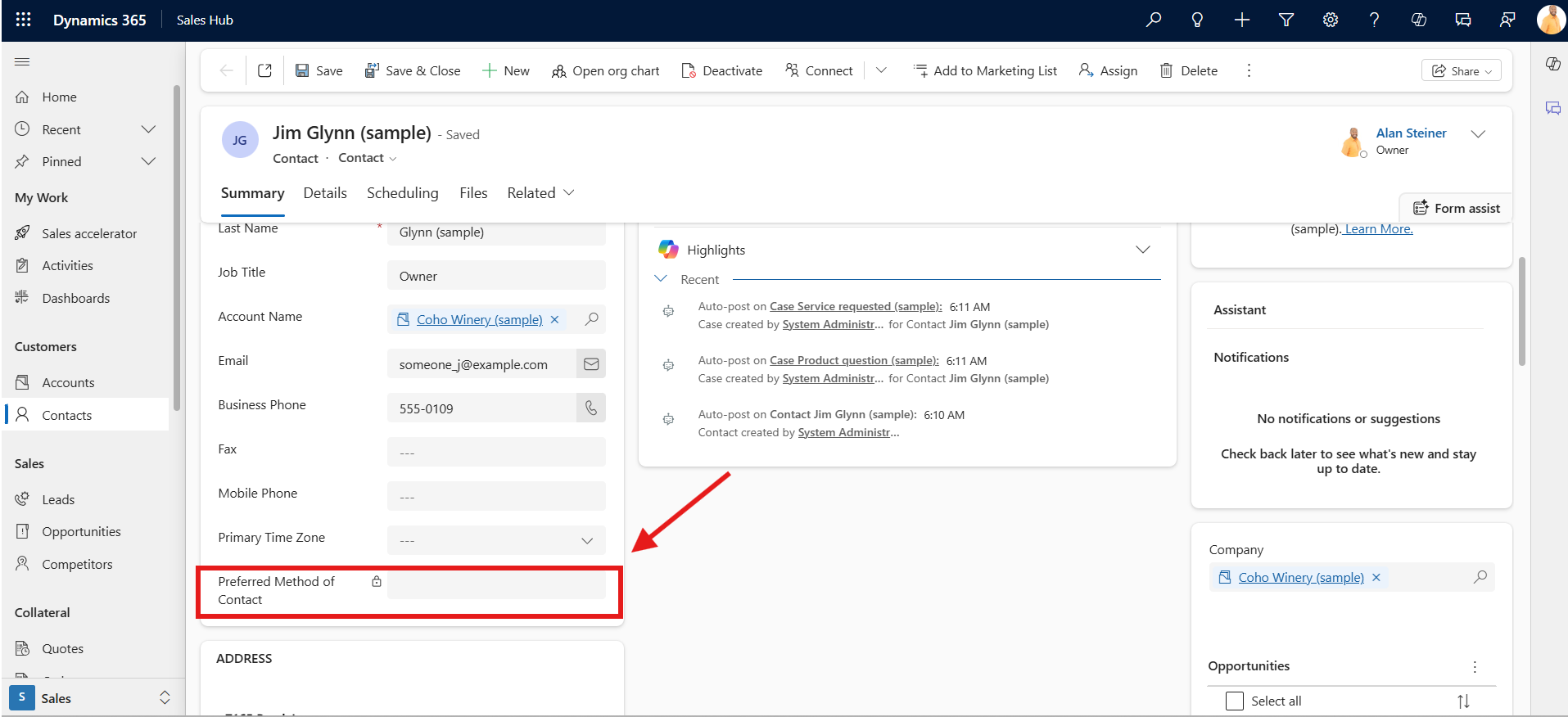
Recently, we faced an issue in Dynamics 365 where the field was locked for one user but editable for another. The field was not disabled on the form, and both users had the same security roles. So why was one user blocked?
The Real Cause
After some digging, we found that the field was protected by Field Level Security/Column Security Profile.
However, the environment had 30+ Field Security Profiles, so checking each one manually was not practical.
We also knew that:
So the goal was simple:
Find out which Field Security Profile gives access to User A.
The Solution: Use Advanced Find
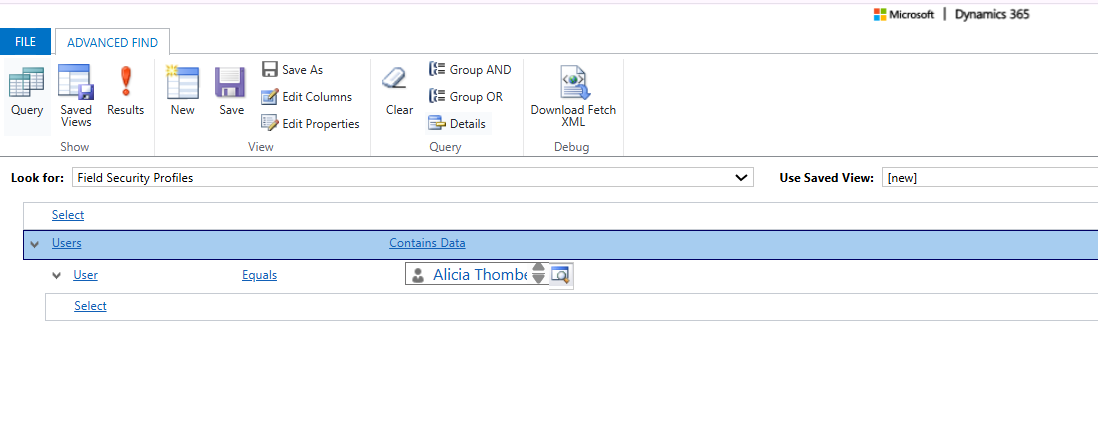
Instead of manually opening all 30+ profiles, we used Advanced Find to quickly identify which Field Security Profiles were assigned to the user who could edit the field.
Step 1: Search Field Security Profiles Assigned to the Working User
In Advanced Find:
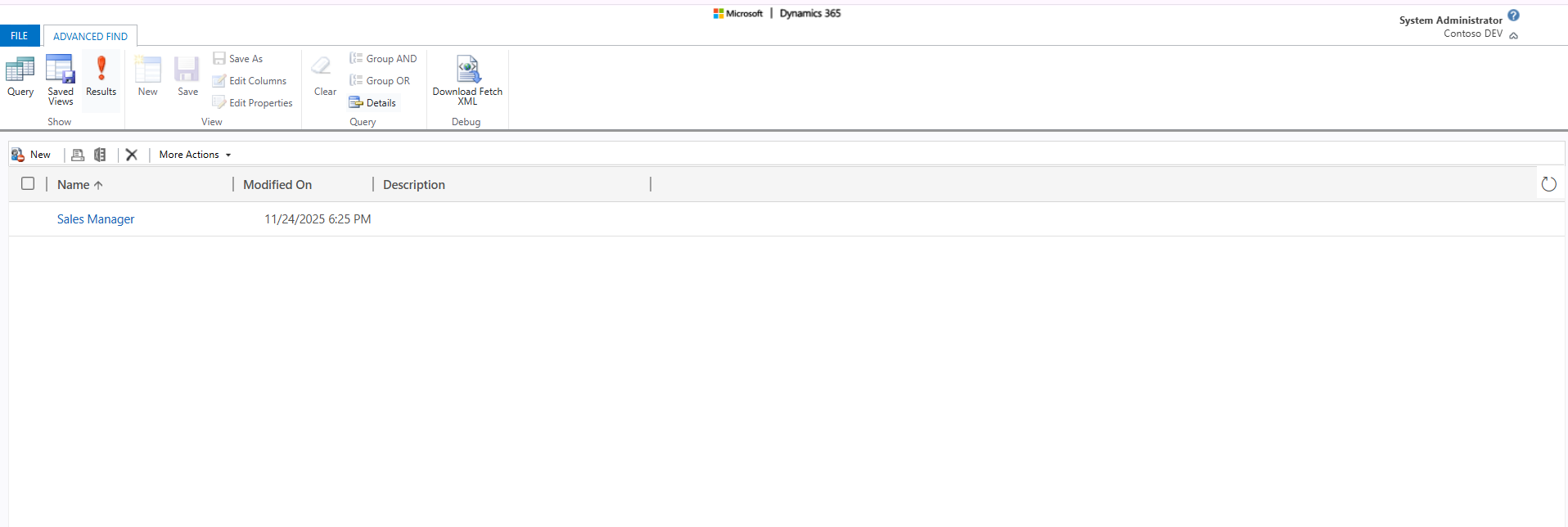
This showed exactly which profiles that user had access to.
Step 2: Check Team-Based Assignments
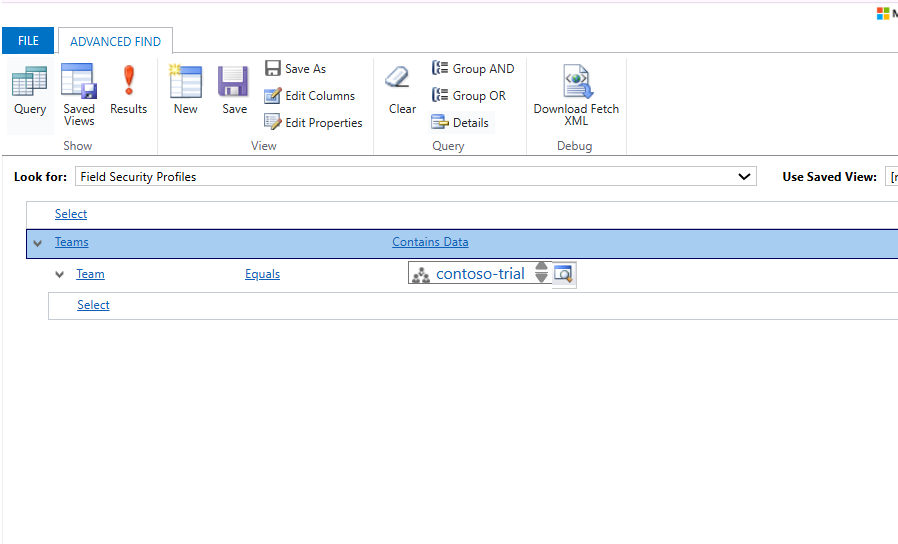
Sometimes access comes through Teams.
So we repeated the search:
This helped us identify additional profiles inherited through team membership.
Step 3: Identify the Right Profile
Now we only had to check 1 profile instead of 30+.
Inside that profile, we found the field secured with Update permission.
User B was not part of that profile, so the field was locked for them.
Step 4: Fix the Issue
We simply added the user (or their team) to that Field Security Profile.
Immediately, the field became editable.
Final Summary
Comment
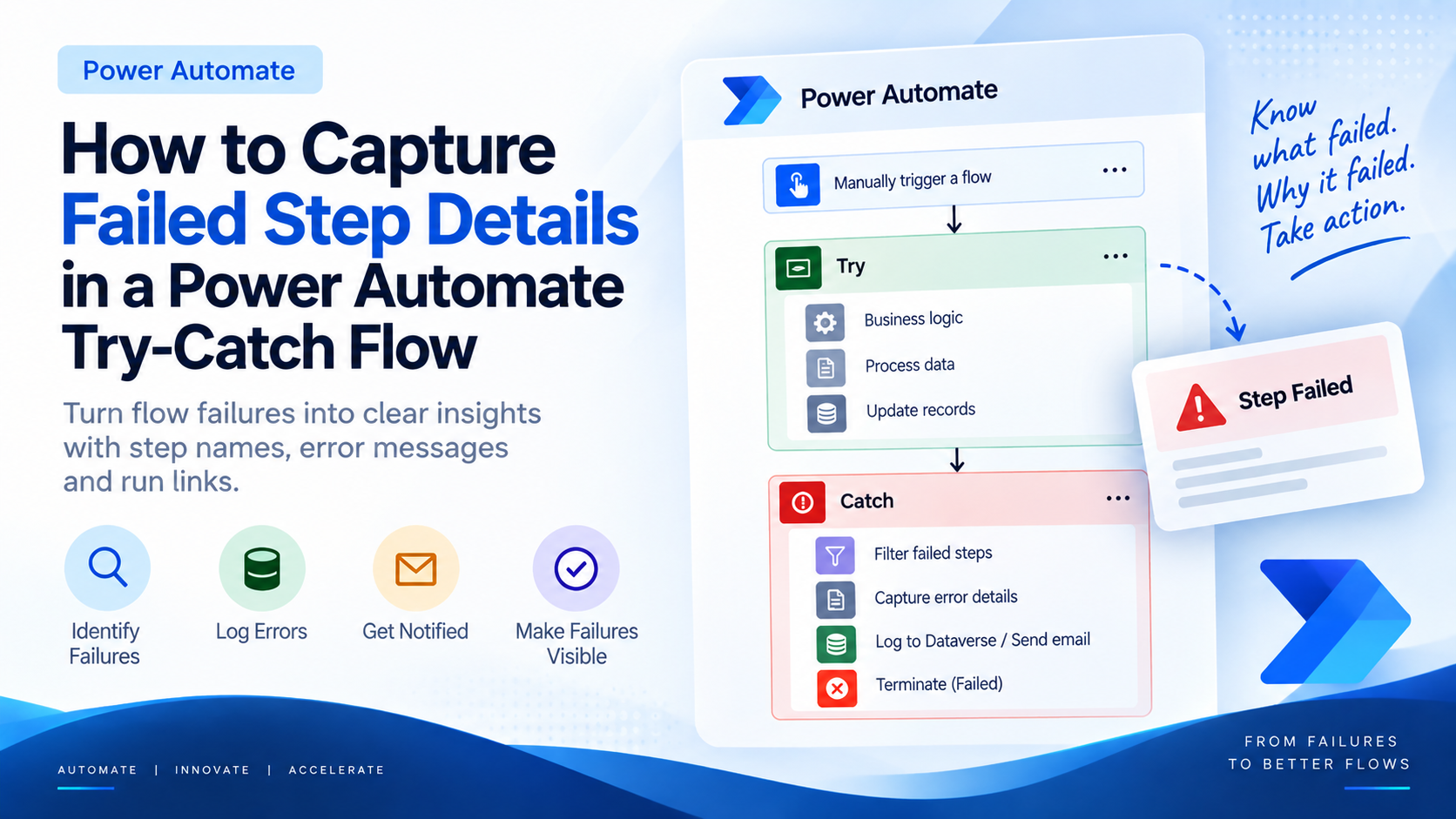
Introduction Most teams building Power Automate flows eventually land on the same pattern: wrap your business logic in a Scope,…
READ MORE
Introduction Custom Pages provide a modern way to edit records in Dynamics 365. A common approach is to open a…
READ MORE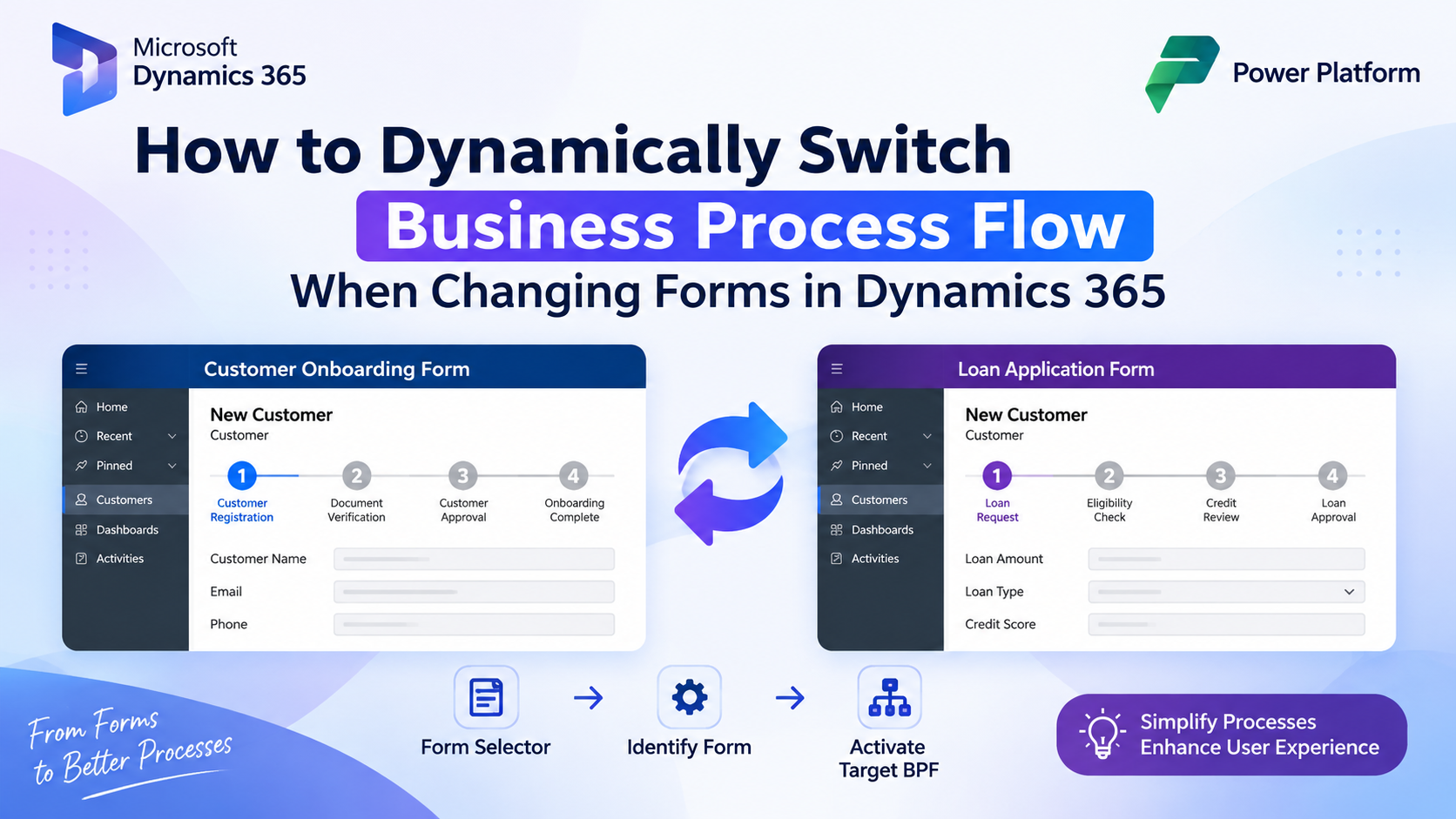
How to Dynamically Switch Business Process Flow When Changing Forms in Dynamics 365 Introduction Microsoft Dynamics 365 provides powerful customization…
READ MORE