
18 May, 2022
Posted on 18 May, 2022 by Admin, Posted in Power Apps Dynamics 365 Power Platform Dynamics-365 Sales
 Blogs
Blogs
Dynamics 365 Wave 2 has introduced an advanced and time saving feature to Add Ribbon Buttons within Power Apps. Now it will take less time for Ribbon Button Customizations.
Adding Ribbon Buttons using Ribbon Workbench is very complicated and time-consuming. Ribbon Workbench takes much time while loading and publishing solution. This features includes a lot of advanced things which Ribbon Workbench lacked.
This feature has additionally introduced “Run Formula” for Action and Visibility properties for Ribbon Button.
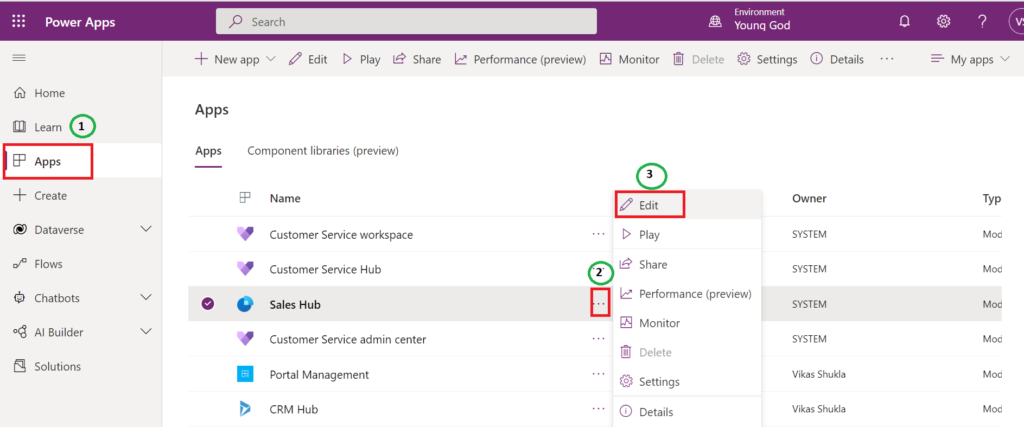
In this blog, We are adding a Ribbon Button on Account Form.
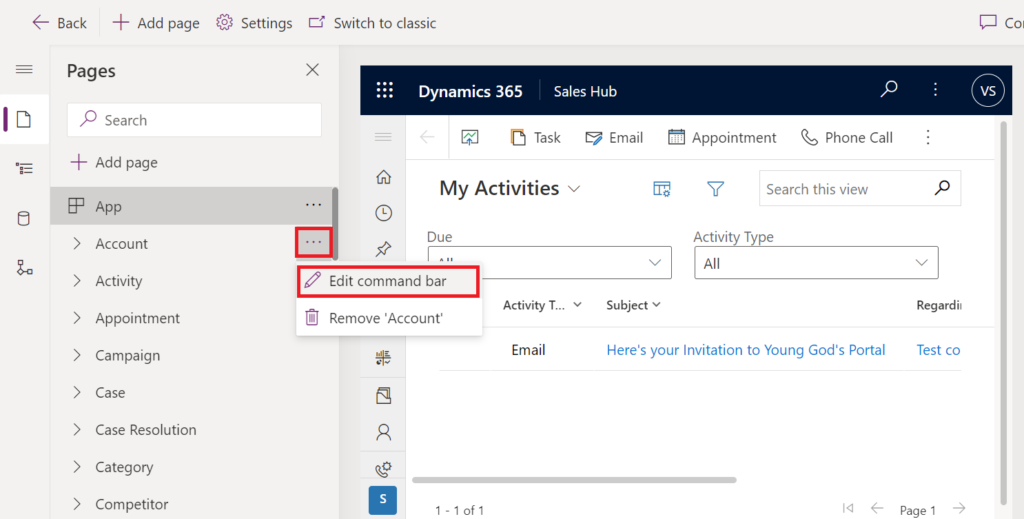
2. Now Navigate to the Entity and Click on Edit Command Bar.
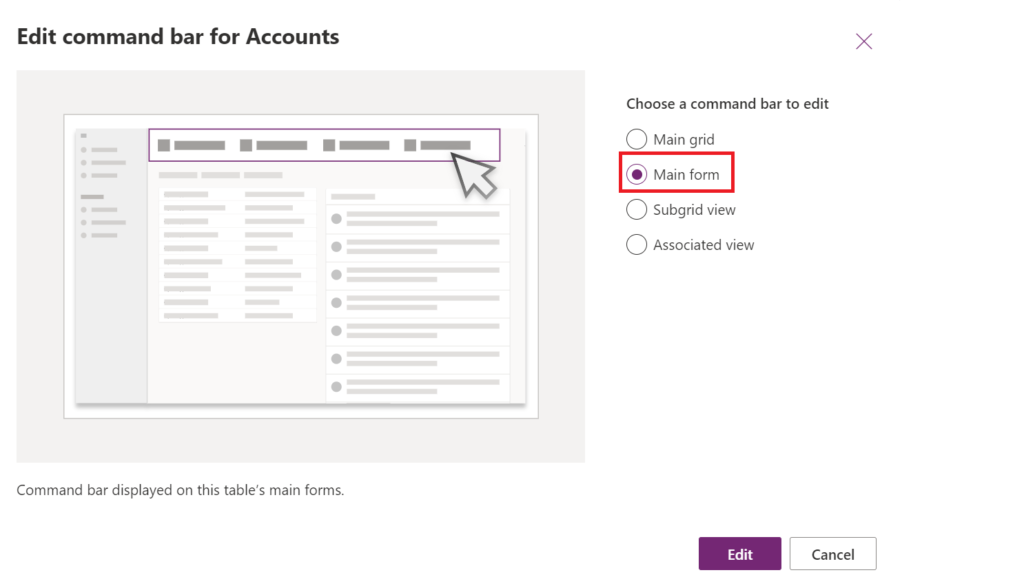
3. Choose Command bar option to edit and Click on Edit then It will Navigate to the Edit Page.
4. Click on New and Select Command Button, It will add a button as shown in below image.
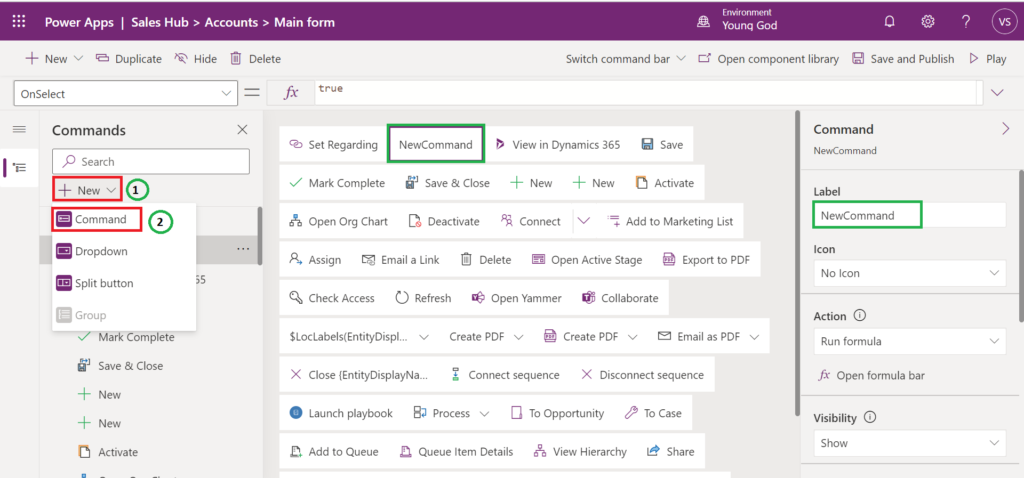
5. Here you can set various properties for Ribbon Button :
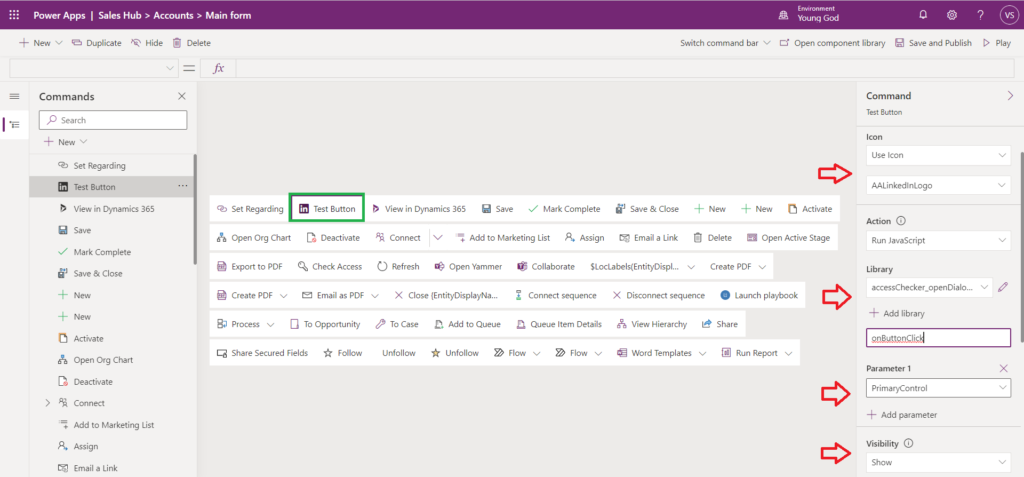
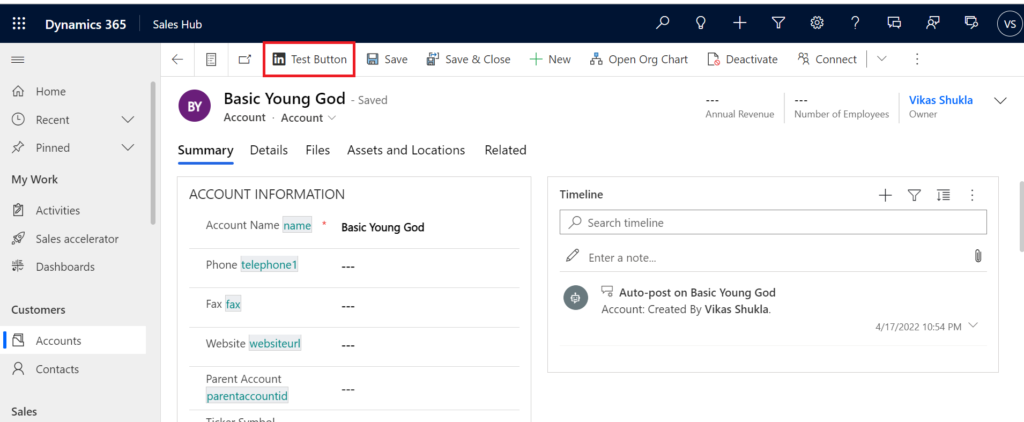
6. Based on your requirements you can customize your button and then click on Save and Publish. Then you can see the Ribbon button on the form.
Thank you.
Happy 365ing!!!
Comment
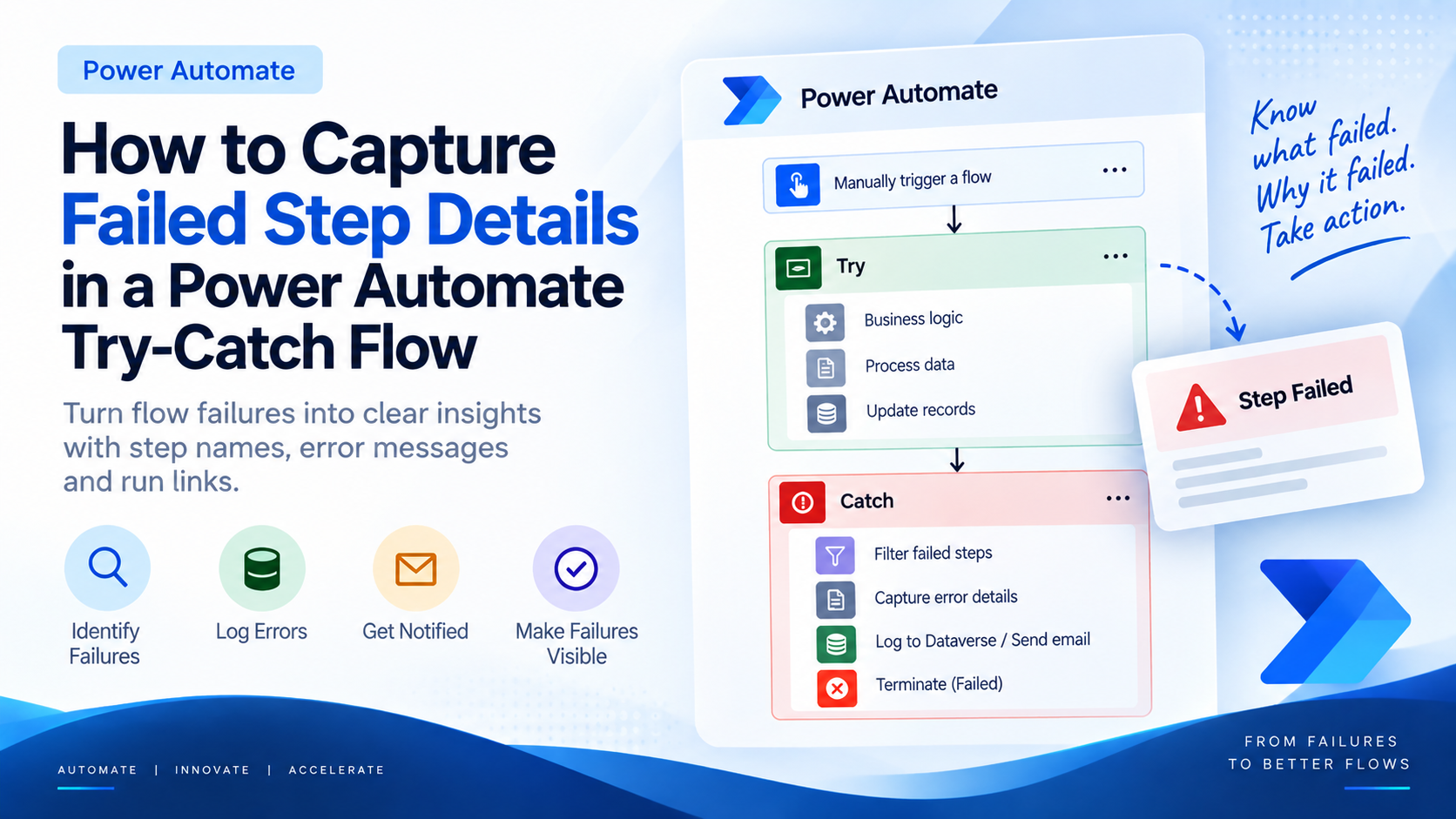
Introduction Most teams building Power Automate flows eventually land on the same pattern: wrap your business logic in a Scope,…
READ MORE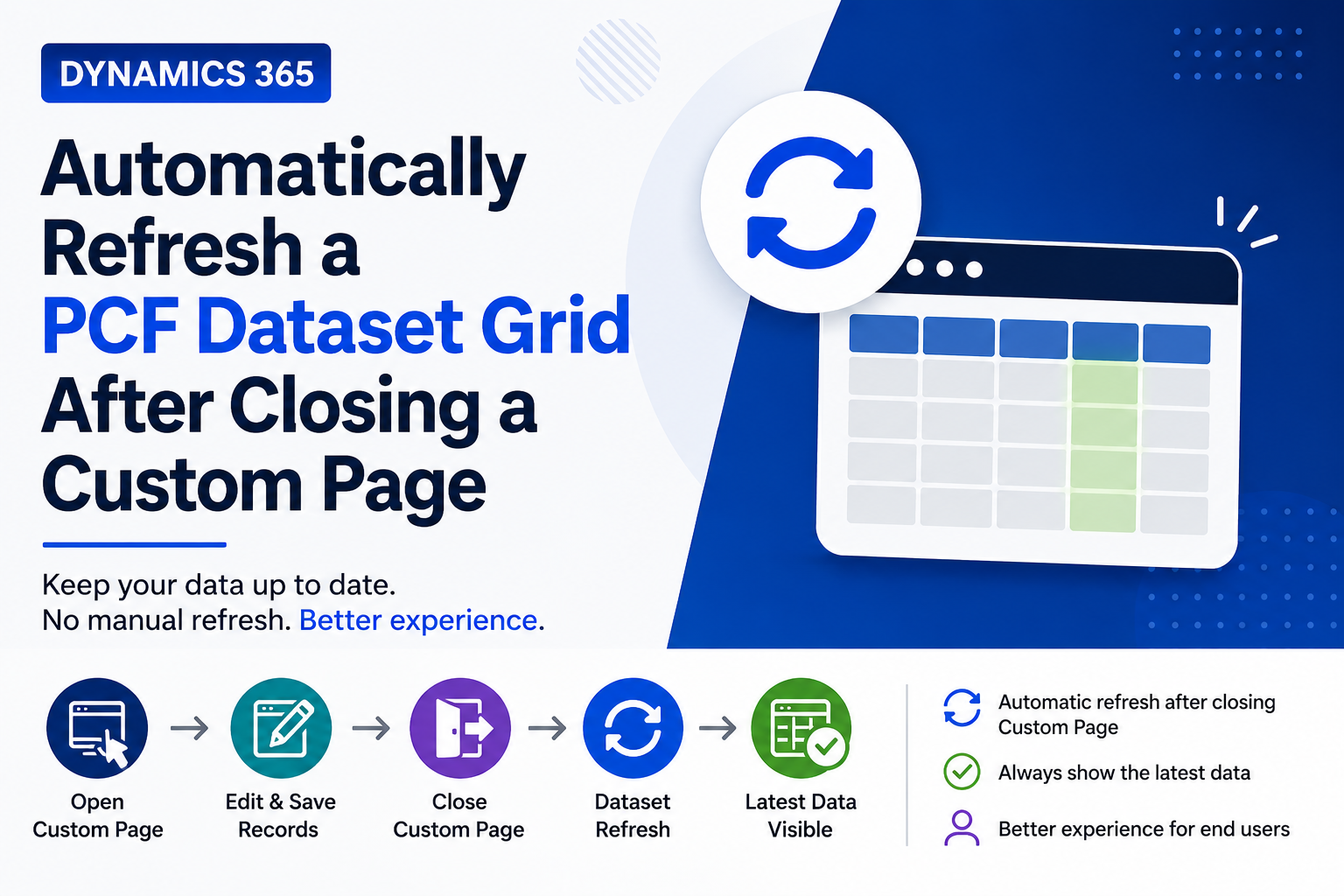
Introduction Custom Pages provide a modern way to edit records in Dynamics 365. A common approach is to open a…
READ MORE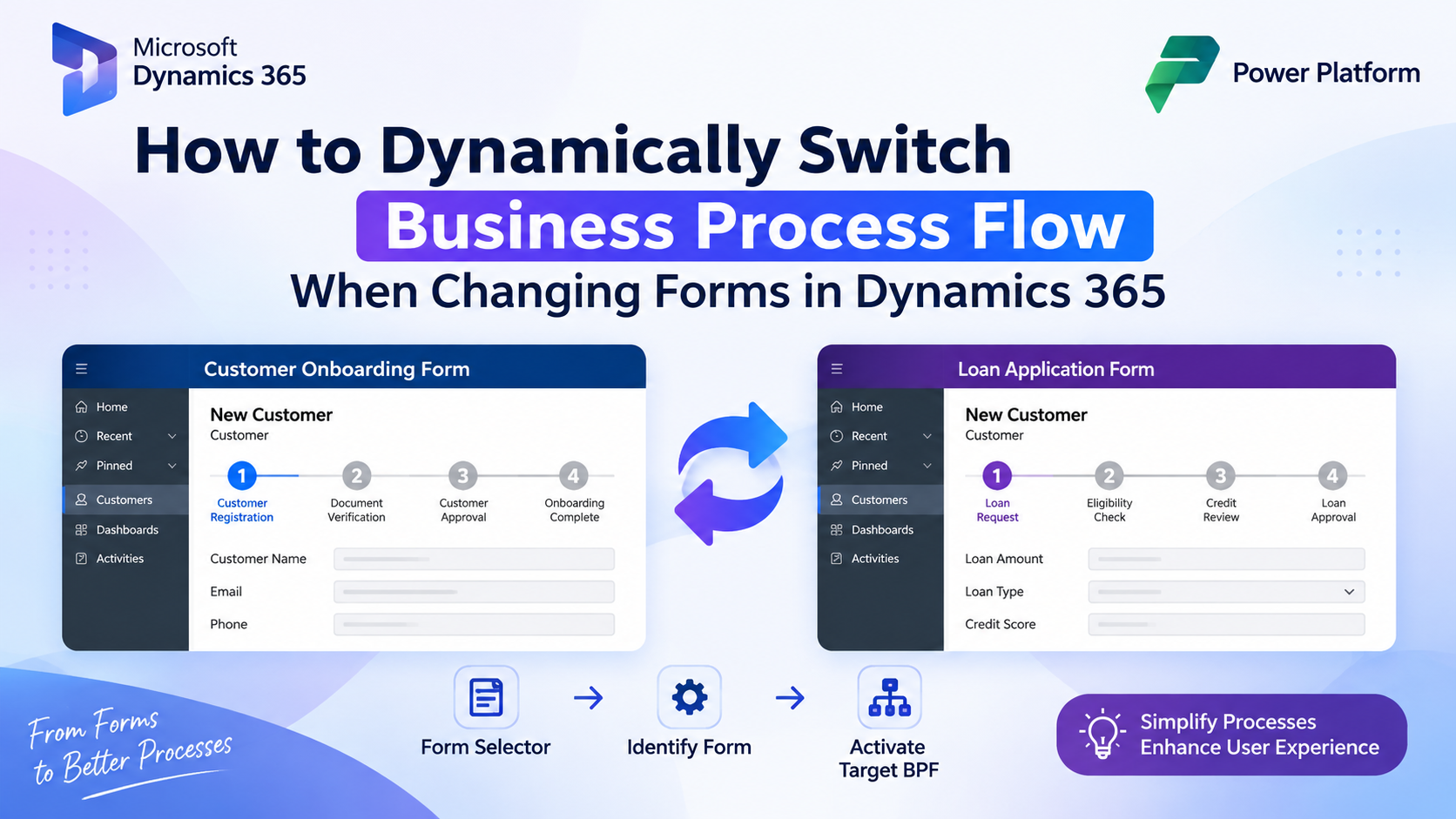
How to Dynamically Switch Business Process Flow When Changing Forms in Dynamics 365 Introduction Microsoft Dynamics 365 provides powerful customization…
READ MORE