
15 Mar, 2022
Posted on 15 Mar, 2022 by Admin, Posted in Power Platform PowerApps Portal
 Blogs
Blogs
Introduction: In this blog, we will understand how to add multiple file control on the basic form of PowerApps Portal.
Steps to be followed:
Before adding multiple file control you have to enable file attachment on the basic form.
Refer to this blog to enable file attachment on the basic form: https://vblogs.in/file-attachment-on-basicentity-form-in-powerapps-portal/

2. Inspect the control.

3. Right click on the element and click on “Edit as HTML”

4. Copy HTML.

After copying the HTML go to the Portal Management App.

3. Paste the JavaScript code in this section.

NOTE:
In the after function paste the HTML which we copied in an earlier step, also update the id of the HTML element.
4. After adding the JavaScript Save the basic form, Navigate to Portal to see the changes.

Testing:
Upload the files in each control and save the record. All the files will be created as notes in dynamics successfully.


Comment
Most Power BI reports in a Dynamics 365 environment live somewhere the user has to go and find: a dashboard,…
READ MORE
Introduction Many times, we come across scenarios where we need to populate a Word template in Dynamics 365 using Power…
READ MORE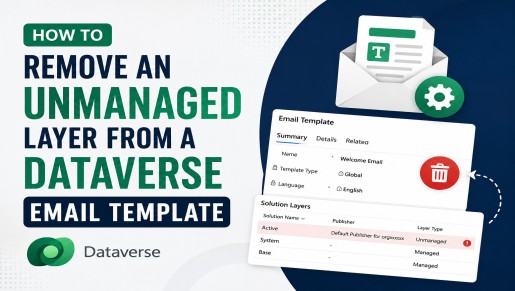
Overview Email Templates in Microsoft Dataverse make it easy to reuse email content such as subject lines, message bodies, and…
READ MORE