
28 Aug, 2020
Posted on 28 Aug, 2020 by Admin, Posted in Power Platform Dynamics 365
 Blogs
Blogs
In the previous blog, we have seen the how-to setup the react in PCF control. Now, in this blog, we will see how we can configure custom “.CSS” file in React PCF Control Project.
If we directly add the CSS file in project and after running the build command, we get below error:
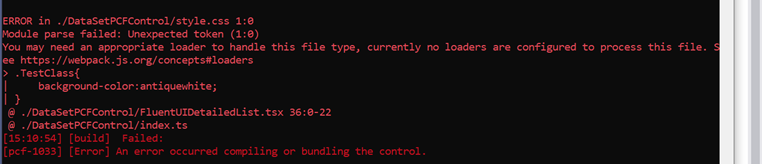
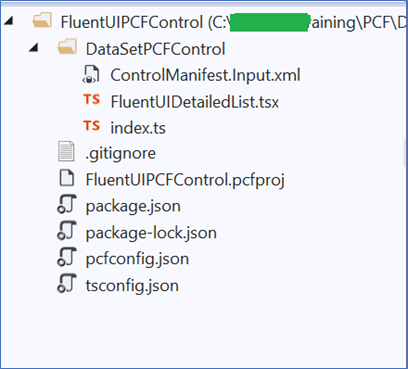
For e.g. I have a created a below PCF control project, and I want to use the custom CSS from “CSS file” in same project.
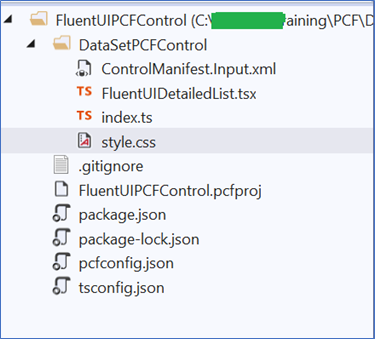
Now, to use the CSS from custom file, I have added the Custom “style.css” file as shown below:
But, when I run build command in VS2019 command prompt, then I get error as “You may need an appropriate loader to handle this file type.”
To resolve the above issue please follow below steps:
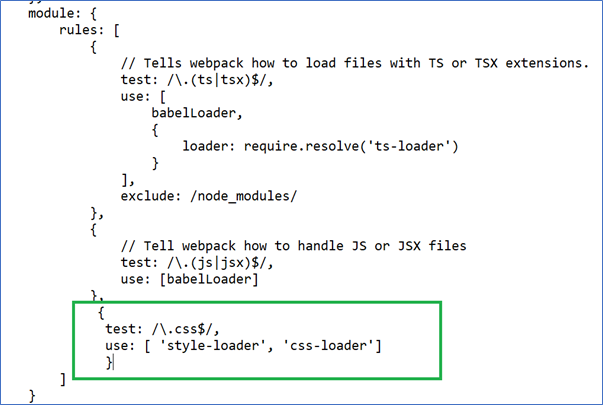
{
  test: /\.css$/,
  use: [ 'style-loader', 'css-loader']
}
Under “getWebpackConfig” function add above content as show below:
npm i css-loader style-loader – -save-dev
After this, now we can use the external CSS file in our PCF Control Project.
Comment
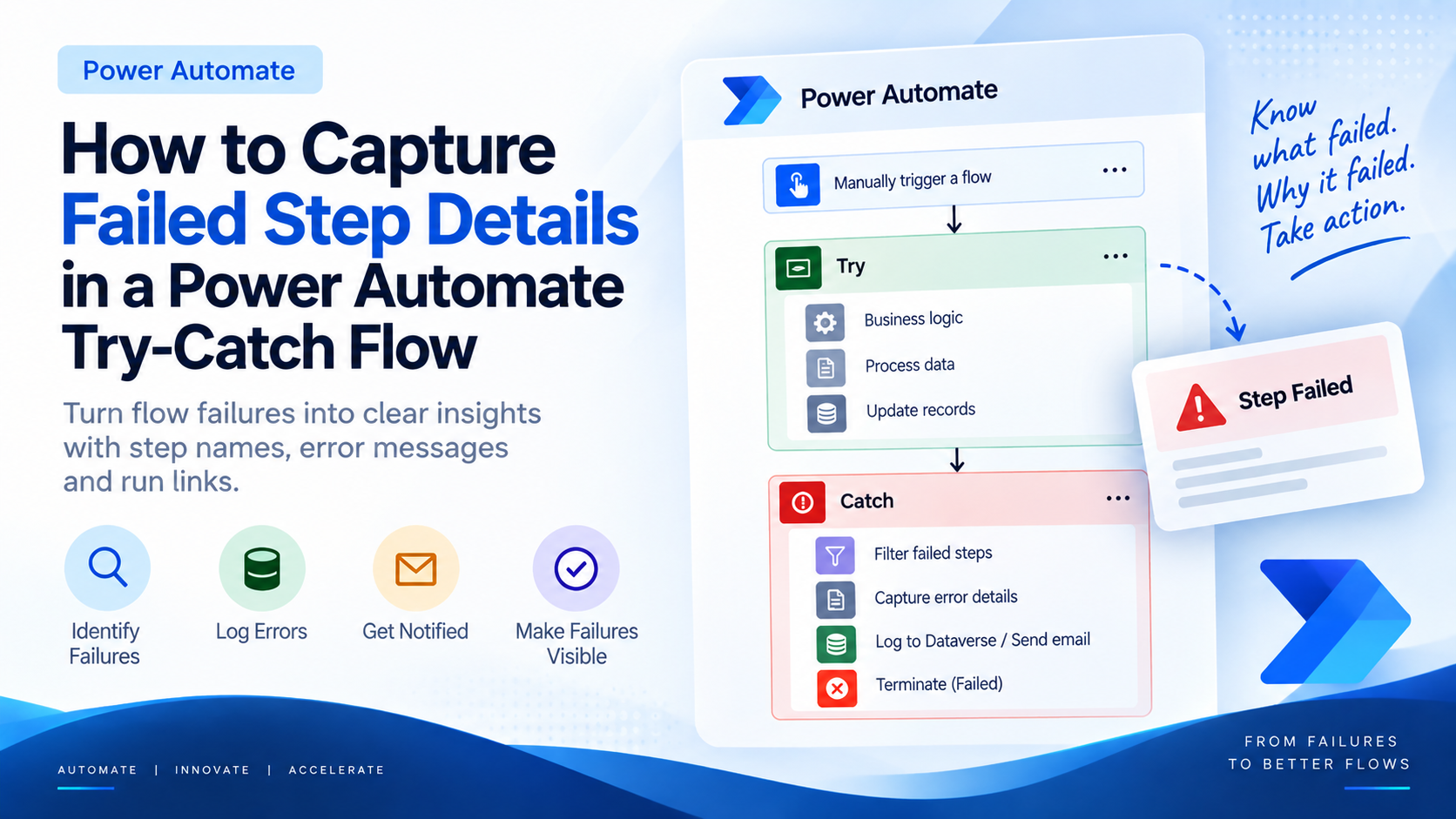
Introduction Most teams building Power Automate flows eventually land on the same pattern: wrap your business logic in a Scope,…
READ MORE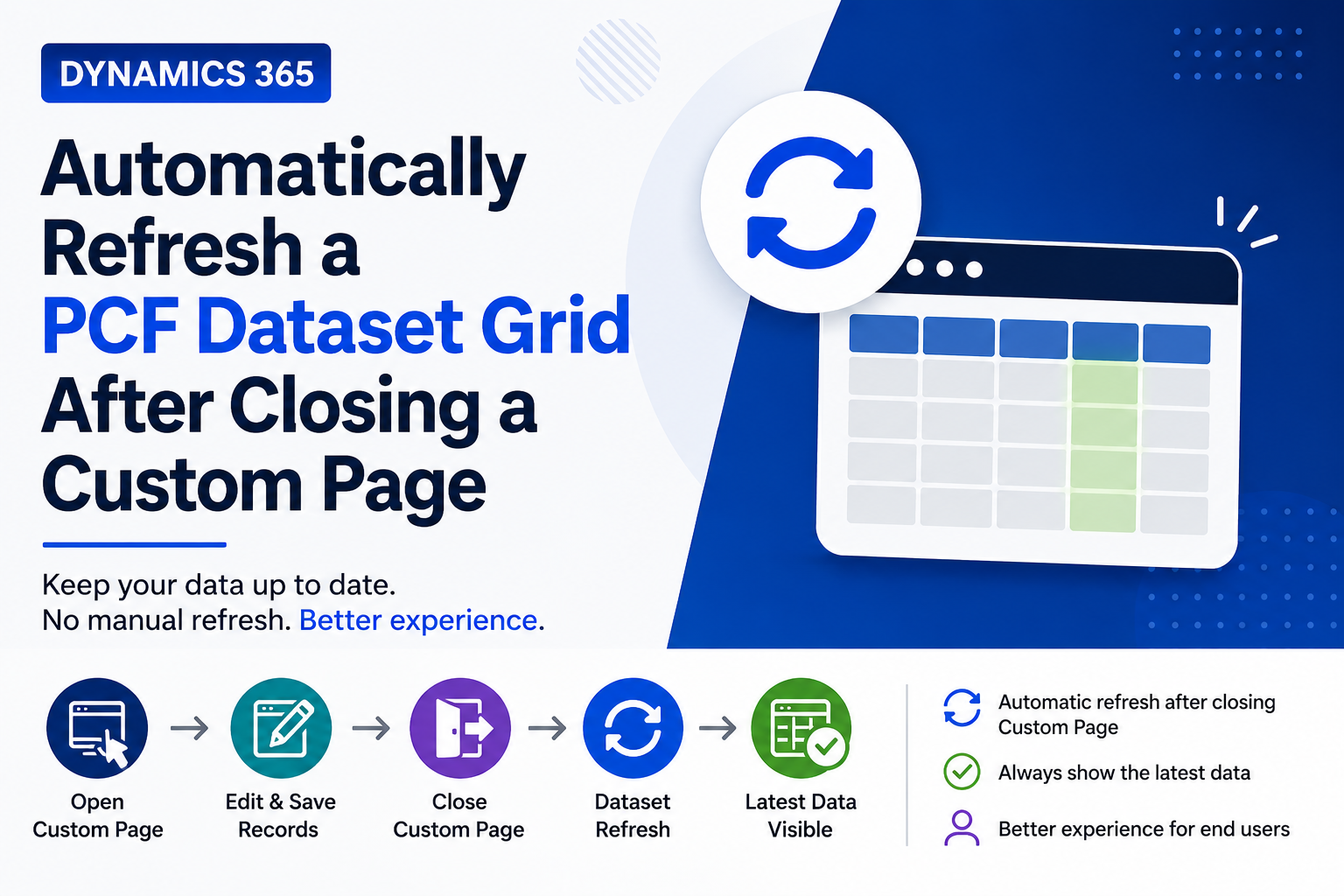
Introduction Custom Pages provide a modern way to edit records in Dynamics 365. A common approach is to open a…
READ MORE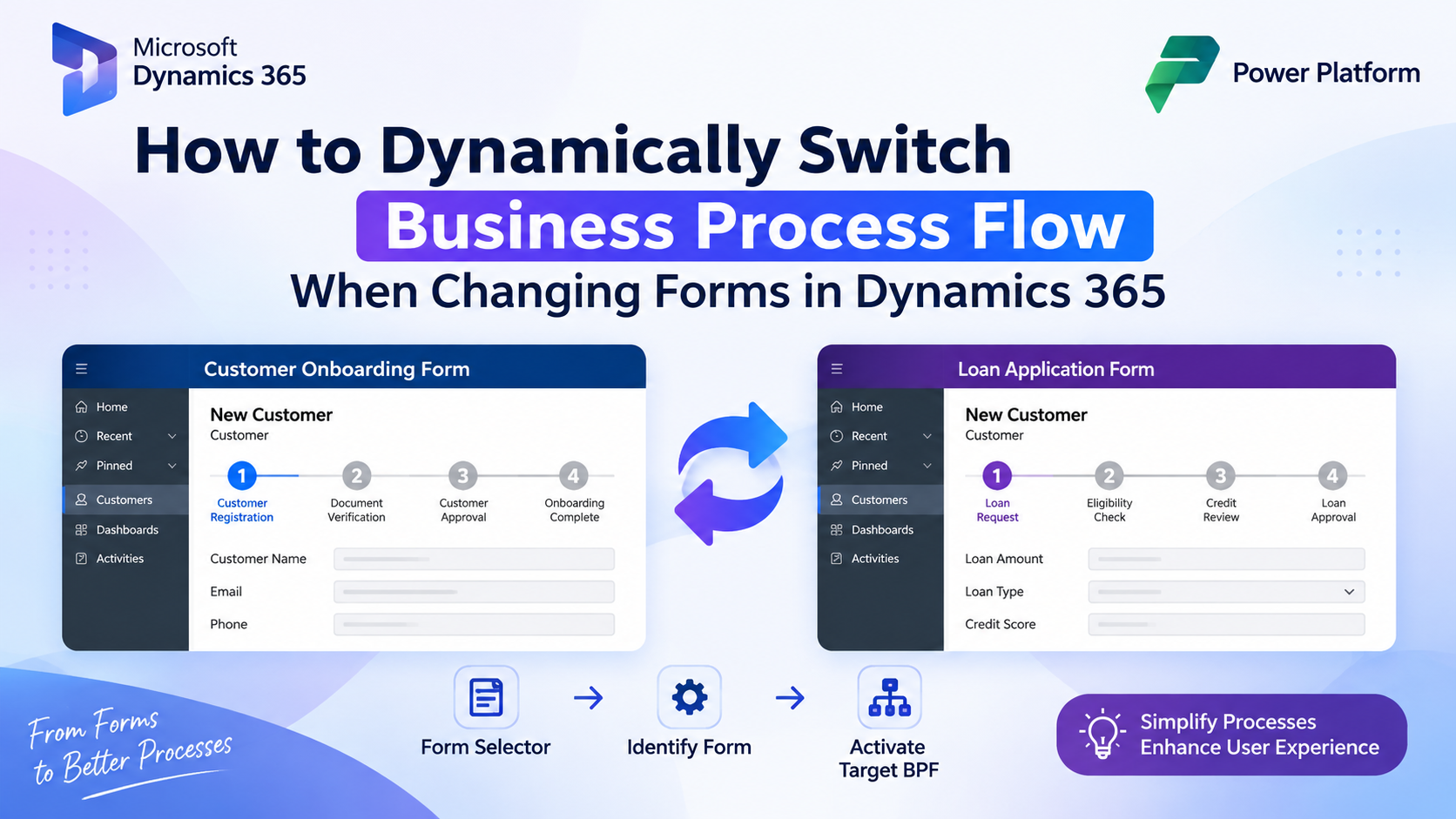
How to Dynamically Switch Business Process Flow When Changing Forms in Dynamics 365 Introduction Microsoft Dynamics 365 provides powerful customization…
READ MORE